
Thermalright TL-C14C-S X3
4.6Editor score
S-FDB Bearing Design
3-Pack Value Pricing
Low Noise Operation
Compare the best ARGB 140mm fans for PC cooling. This guide evaluates performance, noise, lighting, and build quality across ten top-rated models.
Building a high-performance PC requires careful attention to airflow and thermals. ARGB 140mm fans offer a perfect balance of cooling efficiency and visual appeal for modern case builds.
We analyzed ten top models based on airflow, static pressure, noise levels, and lighting customization. Each fan was evaluated for compatibility with standard motherboards and radiator setups.
Every selection highlights unique strengths like bearing technology or daisy-chain options. Note that availability and pricing fluctuate frequently across online retailers and market channels.
4.6Editor score

4.8Editor score

4.6Editor score
This side-by-side comparison highlights key specifications for every fan in our list. We focus on airflow metrics, bearing types, and unique features to help you decide quickly.
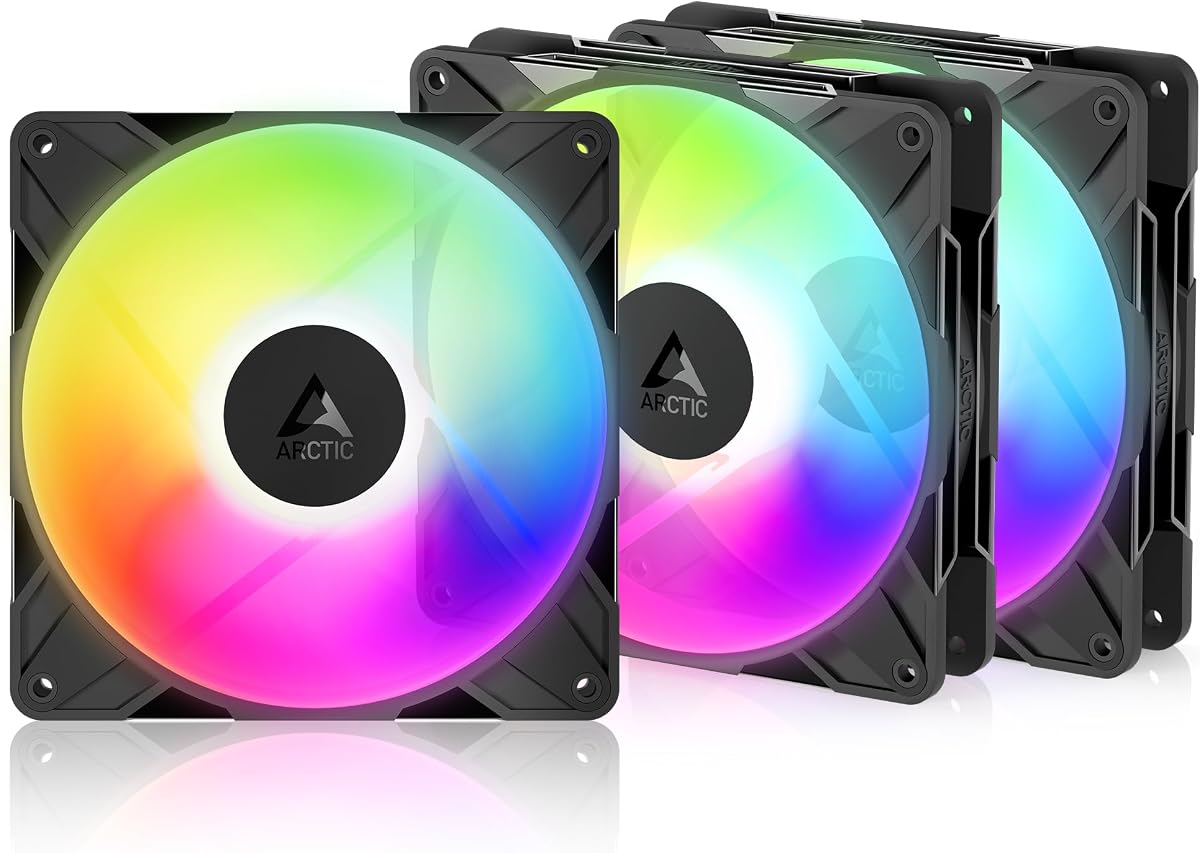


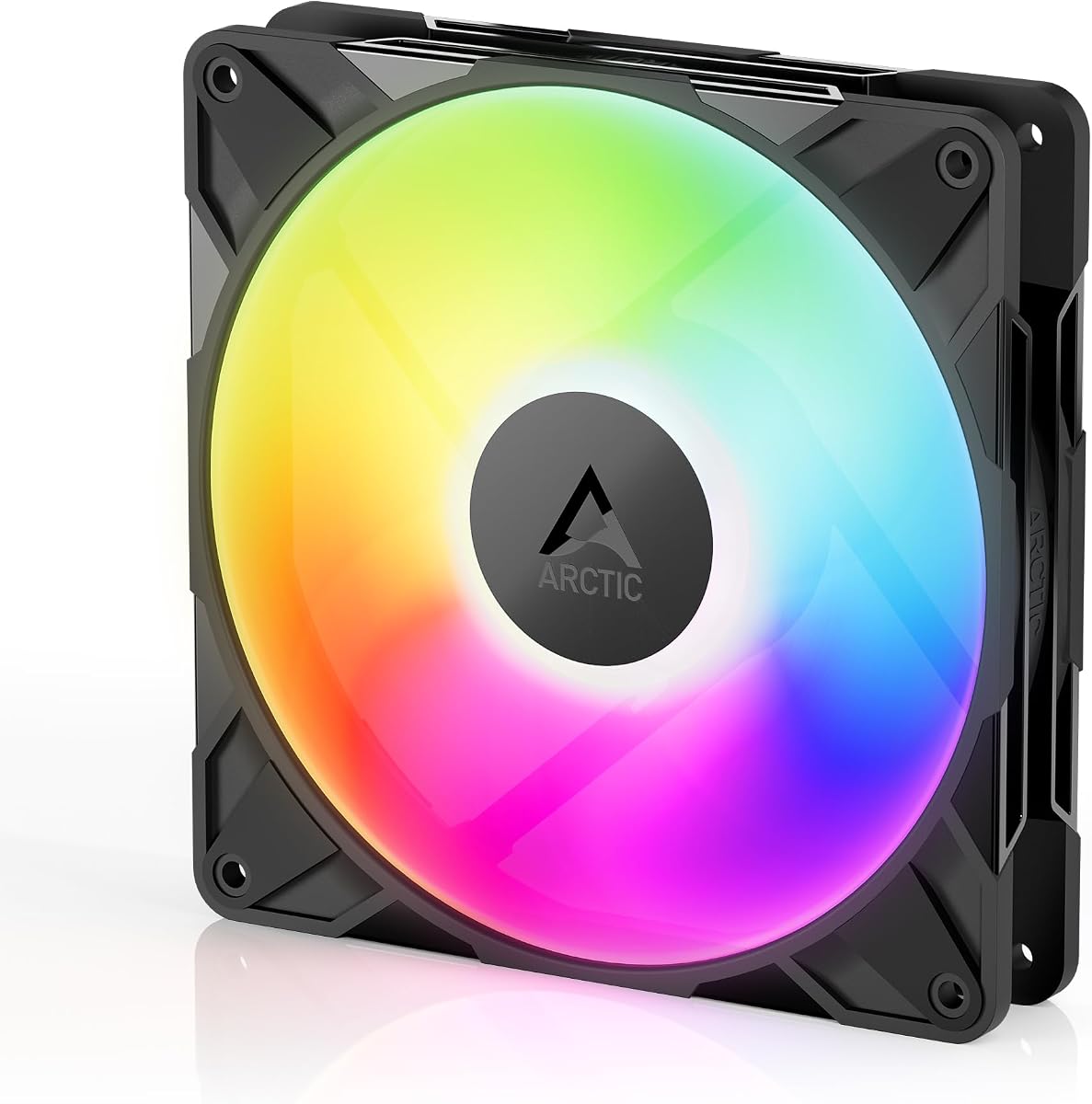

This fan stands out as a top choice due to its exceptional lighting and performance balance. It achieves a high user rating for its ability to look great while cooling efficiently.
We may earn a commission when you buy through this link, at no additional cost to you.
The hybrid static pressure blade design tackles resistance effectively in radiators or mesh cases. Noise reduction technology ensures it remains quiet even at higher speeds.
Trade-offs include a higher price point compared to basic models. The lighting requires compatible headers, which may limit older motherboard setups slightly.
Ideal for builders seeking a visual upgrade without sacrificing thermal performance. It is a reliable pick for gaming rigs and professional workstations alike.
The duo-ring design creates a stunning visual impact with 24 individually addressable LEDs.
Hybrid blades optimize both high airflow and static pressure for versatile installation options.
We may earn a commission when you buy through this link, at no additional cost to you.
This 3-pack offers unmatched value for users needing multiple cooling points. The silent design ensures minimal disturbance during use or gaming sessions.
We may earn a commission when you buy through this link, at no additional cost to you.
The S-FDB bearing minimizes friction, extending the lifespan significantly. Airflow is sufficient for most mid-tower cases and standard radiators.
Trade-offs involve basic lighting compared to premium models. It focuses on utility rather than flashy aesthetics, which suits functional builds best.
Perfect for budget-conscious builders who need bulk cooling without spending much. It delivers reliable performance and longevity for the price.
Noise-reducing blades and silicone feet ensure a peaceful environment during operation.
S-FDB bearings reduce wear and maintain performance over many years of use.
We may earn a commission when you buy through this link, at no additional cost to you.
This dual pack delivers high-end performance with advanced airflow management features. It is a favorite for those prioritizing quiet and efficient cooling solutions.
We may earn a commission when you buy through this link, at no additional cost to you.
AirGuide technology directs air exactly where needed, maximizing heat dissipation. The magnetic dome bearing provides smooth, long-lasting operation.
Trade-offs include dependency on specific software ecosystems. It may be overkill for simple cases where basic cooling is sufficient.
Best for high-end builds needing reliable radiator fans with premium features. It combines aesthetics and function for serious PC enthusiasts.
AirGuide vanes push air in the exact direction needed for maximum cooling.
Daisy-chain connectors reduce clutter and simplify setup for multiple fans.
We may earn a commission when you buy through this link, at no additional cost to you.
This 3-pack solves the issue of visible fan brackets in front cases. The reverse airflow ensures air moves smoothly without ugly structural elements.
We may earn a commission when you buy through this link, at no additional cost to you.
Hydrodynamic bearings support high speeds up to 2650 RPM while staying balanced. The zero RPM feature eliminates noise when cooling demands are low.
Trade-offs involve specialized orientation which might be tricky at first. It is less versatile for non-reverse standard intake setups.
Ideal for modern case builds with glass panels that need airflow. It keeps aesthetics clean while maintaining strong cooling performance.
Draws air from the back to hide brackets on glass-fronted designs.
Wide PWM range allows precise adjustments from silent to high performance.
We may earn a commission when you buy through this link, at no additional cost to you.
The MagForce system is a standout feature that makes cabling effortless. It connects fans magnetically, reducing cable clutter significantly.
We may earn a commission when you buy through this link, at no additional cost to you.
Lighting is vibrant with 9 LEDs per fan allowing deep customization. Hydraulic bearings ensure smooth and long-term reliability.
Trade-offs involve magnetic ports that might need careful handling. It requires specific ports on the motherboard for full sync.
Best for those wanting easy installation and bright visuals. It is a great balance of convenience and high-quality lighting.
Magnetic connections allow users to chain fans quickly without extra cables.
Embedded anti-vibration mounts dampen noise and improve stability.
We may earn a commission when you buy through this link, at no additional cost to you.
This model focuses on high airflow to keep systems cool under load. The infinity mirror adds a distinct look to the fan frame.
We may earn a commission when you buy through this link, at no additional cost to you.
HDB bearings with closed-loop lubrication extend the lifespan significantly. Rubber pads and balancing adjustments keep it quiet during use.
Trade-offs include potential variations in build quality. It requires specific sync support which might not be standard on all boards.
Great for users needing strong cooling and unique looks. It offers durability and high performance for a solid price point.
Delivers nearly 90 CFM to expel heat efficiently from cases.
Sealed lubrication systems ensure reliable operation over many hours.
We may earn a commission when you buy through this link, at no additional cost to you.
This fan brings reliable performance with a wide speed range. It supports high RPM needs for extreme cooling scenarios.
We may earn a commission when you buy through this link, at no additional cost to you.
The fluid dynamic bearing minimizes noise while handling resistance. Optimized blades ensure smooth flow even at high speeds.
Trade-offs include single unit sales which may require buying multiple. It is less about flashy lighting and more about function.
Best for those needing specific airflow control and durability. It is a solid choice for quiet efficient systems.
Optimized blades maintain quiet performance even when spinning fast.
High-precision measurement reduces vibrations for longer service life.
We may earn a commission when you buy through this link, at no additional cost to you.
This 3-pack emphasizes quiet operation for low noise builds. The soft silicone feet help isolate the fan from the case.
We may earn a commission when you buy through this link, at no additional cost to you.
Material quality ensures durability and insulation during use. It handles heat well without adding much noise to the room.
Trade-offs are lower static pressure compared to performance fans. It is better suited for open airflow areas than radiators.
Ideal for users prioritizing silence over maximum airflow. It offers a practical solution for standard case cooling.
Rubber mounts reduce vibration and noise effectively during operation.
PBT and PC materials provide insulation and longevity for long use.
We may earn a commission when you buy through this link, at no additional cost to you.
This model holds the highest user rating in our list. It proves quality engineering can satisfy diverse user needs effectively.
We may earn a commission when you buy through this link, at no additional cost to you.
Reverse airflow maintains airflow without ruining case aesthetics. Fluid dynamic bearings ensure it stays quiet even under stress.
Trade-offs involve single unit availability and specific mounting. It is less flexible if you need bulk replacements quickly.
Best for upgrading a specific case slot with style. It delivers premium reliability and a unique visual advantage.
Reverse intake prevents bracket visibility on glass panel cases.
Designed to push air through dense panels and mesh with ease.
We may earn a commission when you buy through this link, at no additional cost to you.
This single unit offers a cost-effective way to add ARGB. It uses S-FDB bearings to maintain a quiet and smooth experience.
We may earn a commission when you buy through this link, at no additional cost to you.
The lighting effect is softer and blends well with coolers. It matches cases perfectly without being overly aggressive in style.
Trade-offs are single unit sales and lower speed limits. It is suited for general cases rather than extreme cooling.
Perfect for budget builds needing a single reliable fan. It combines affordability with reliable cooling performance.
High brightness LEDs provide soft lighting at a low cost point.
S-FDB bearing technology minimizes noise and extends lifespan.
We may earn a commission when you buy through this link, at no additional cost to you.
Selecting the right fans requires balancing cooling needs with visual appeal and noise levels.
Airflow is measured in CFM and indicates how much air a fan moves. Static pressure is the ability to push air through obstacles like radiators or dust filters. High airflow suits open cases while high pressure suits dense setups.
Choose high CFM for general case ventilation and high pressure for liquid coolers.
Bearings affect noise and lifespan. Fluid Dynamic Bearings (FDB) and Sleeve bearings are common and offer smooth operation. FDB bearings typically last longer and run quieter than standard sleeve types.
Look for FDB or hydrodynamic bearings for long-term reliability.
Many modern fans allow daisy-chaining to reduce cable clutter. This feature connects multiple fans to a single header. It makes installation faster and keeps your PC interior cleaner.
Prioritize models with daisy-chain connectors if you have multiple fans.
RGB lighting usually requires 5V 3-pin connectors. Some brands use proprietary software for effects while others sync with motherboard headers. Compatibility with your motherboard is crucial for full lighting control.
Ensure your motherboard supports 5V ARGB headers before buying.
Noise is measured in decibels (dBA). Lower numbers mean quieter operation. Vibration dampening features like rubber feet help reduce noise during high speeds.
Choose fans with low dBA ratings for quiet home or office setups.
Fans often come in single packs or multi-packs. Multi-packs provide better value per unit and ensure consistency in your build. Single units are useful for spot replacements.
Buy multi-packs when equipping multiple case positions for uniformity.
Materials like PBT and PC plastics resist heat and wear better than standard plastics. Strong frames reduce vibration and extend lifespan. Check for solid mounting points and sturdy blades.
Opt for fans with durable materials for long-term stability.
Warranty length varies by manufacturer. A longer warranty indicates confidence in product durability. Check the terms for coverage on mechanical or electronic parts.
Look for at least a two-year warranty for safety.
Always connect the PWM cable to a motherboard fan header to control speed. This allows automatic adjustments based on system temperature.
Route cables neatly using zip ties or Velcro to prevent interference with blades. Ensure all connections are secure to avoid power issues.
Dust the fans every few months to maintain airflow. Use compressed air to blow debris away gently and avoid oiling the bearings.
Most modern motherboards support 5V 3-pin ARGB headers. Check your motherboard manual to ensure compatibility before purchasing. If your board only supports 12V RGB, you will need an adapter.
Daisy-chaining connects multiple fans to a single power and lighting header. This reduces the number of cables needed and simplifies installation significantly.
Airflow is best for moving air in open cases. Static pressure is needed when pushing air through radiators or dense filters.
Generally, 140mm fans can move more air at lower RPMs making them quieter. They are often preferred for larger cases needing efficient cooling.
It is recommended to clean fans every three to six months. Dust buildup can reduce performance and increase noise levels over time.
Yes, they will spin and provide cooling without software. However, lighting effects usually require specific header connections or software.
We have highlighted ten fans ranging from budget options to premium choices. Each offers distinct benefits for different PC builds and cooling needs.
Prioritize airflow, noise, and bearing type to match your specific case and setup. Lighting should complement your build without compromising thermal performance.
Always verify current availability and pricing as stock fluctuates frequently. Regular maintenance will keep your fans running quietly for years.