
4K HDMI EDID Emulator Passthrough Adapter,Bidirectional mutual conversion
3.9Editor score
Bidirectional signal transmission
No external power needed
Fixed EDID settings
This guide compares the top HDMI Edid Emulator Passthroughs for stable video signal retention across KVM switches, extenders, and headless server setups in
HDMI Edid Emulator Passthroughs are essential tools for maintaining stable video connections in complex AV setups. They prevent signal loss when displays disconnect or power down.
We analyzed ten leading models based on compatibility, resolution support, and EDID locking stability. Each product was evaluated for its ability to maintain consistent handshakes with various source devices.
Every selection highlights unique strengths for different use cases like home theaters or office environments. Please note that pricing fluctuates frequently so check current listings before purchasing.
3.9Editor score

5.0Editor score

4.3Editor score
The following table provides a side-by-side view of all ten selected models. It highlights key specifications such as resolution support and compatibility features to help you compare options quickly.


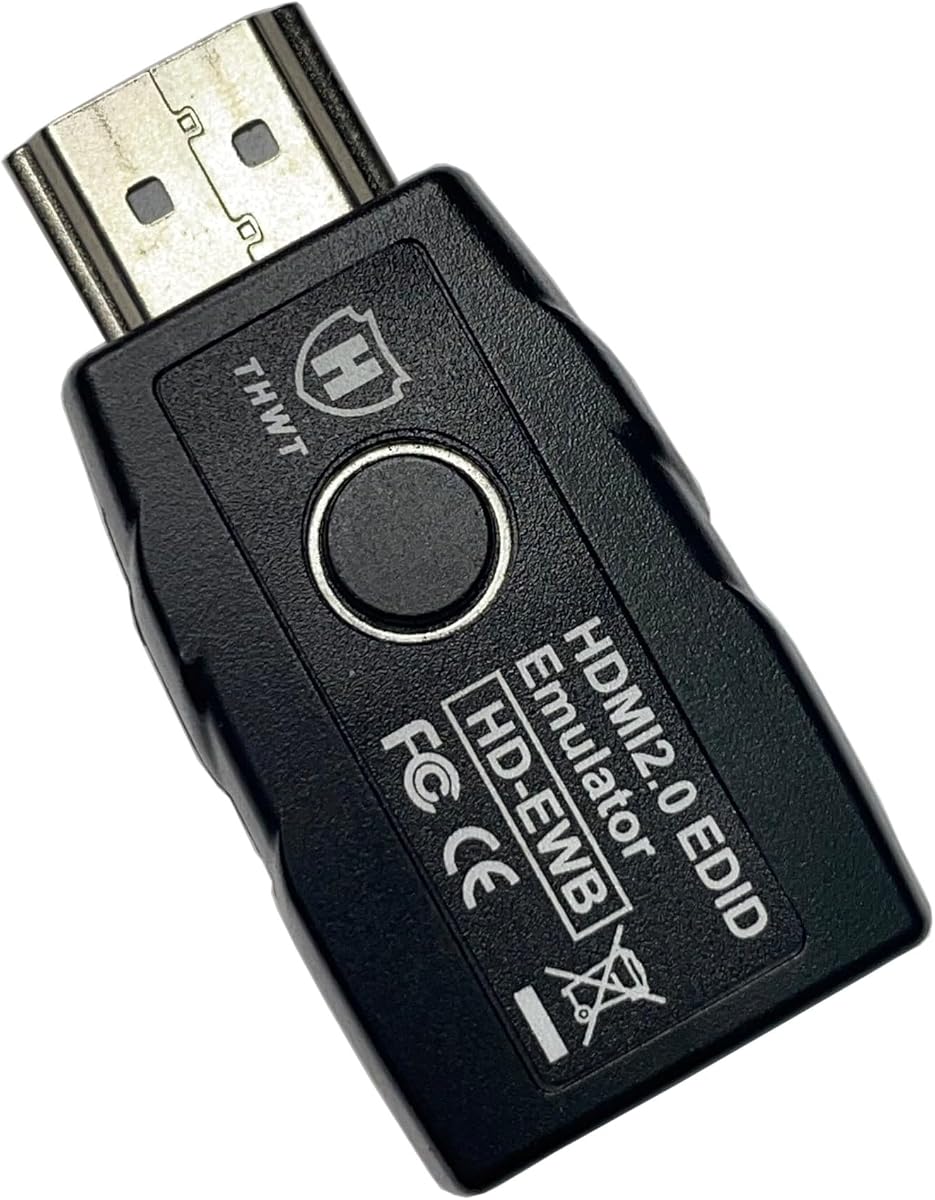

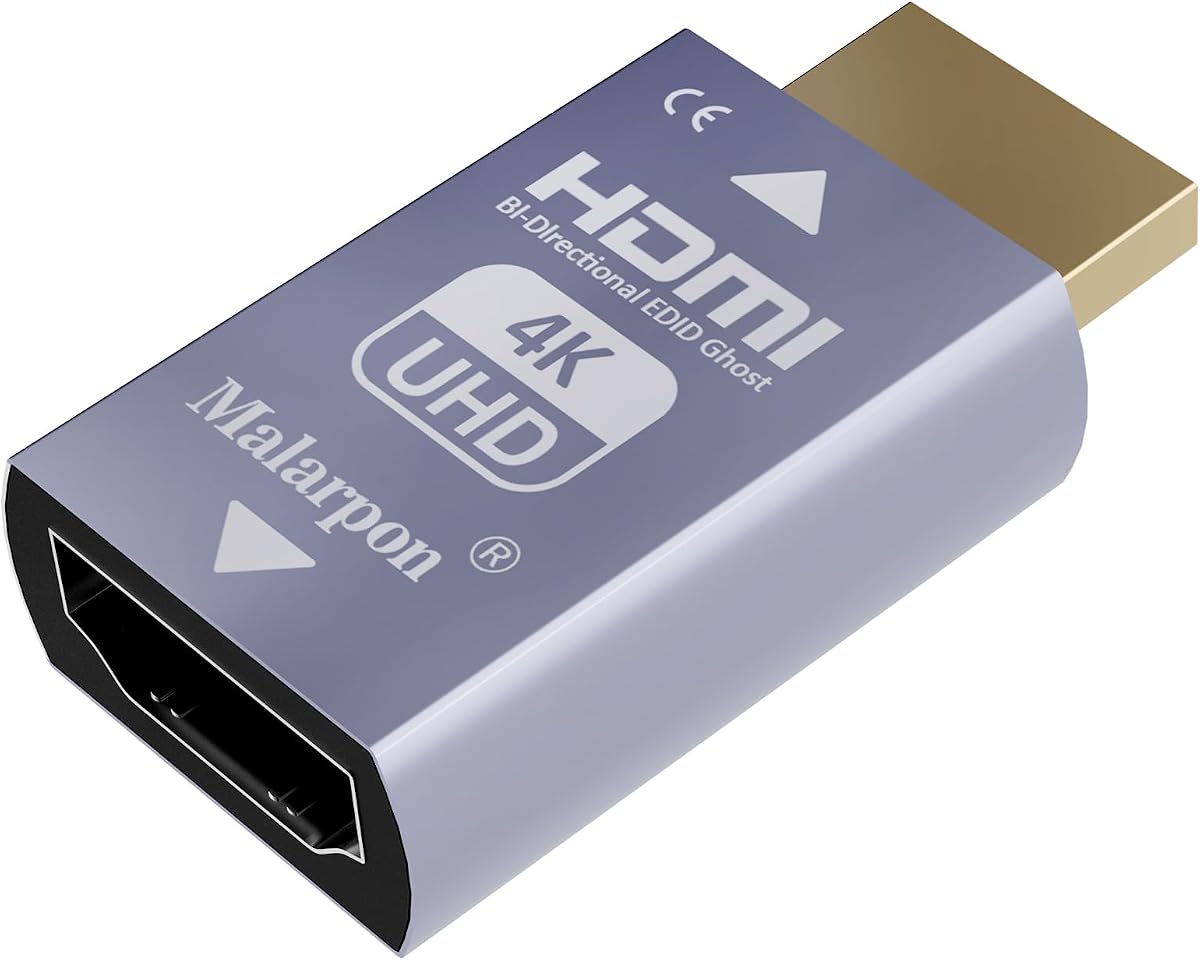

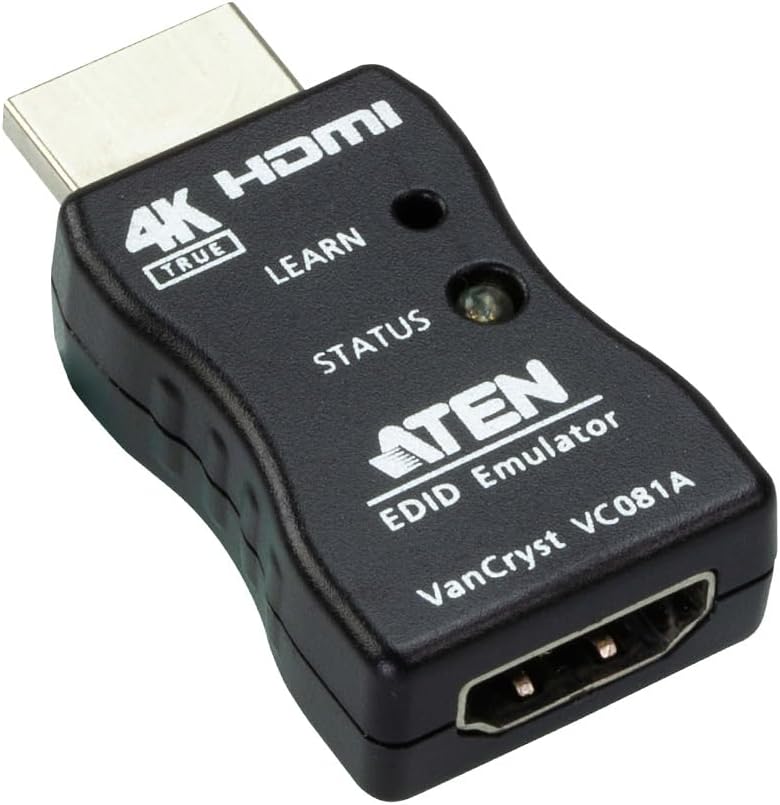
This HDMI EDID Emulator is the top pick for users needing high stability. It maintains a perfect rating and excels at keeping signals active even when displays are off.
We may earn a commission when you buy through this link, at no additional cost to you.
Its standout quality is the ability to simulate a display without physical connection. This prevents source devices from resetting when cables are swapped in KVM setups.
Trade-offs include the cost compared to simpler models. However, the reliability and lack of power requirements make the investment worthwhile for professional installations.
Buy this if you need consistent performance in AV receivers or conference rooms. It resolves EDID mismatches effectively for seamless transmission.
The emulator tells the source device that a display is always present. This avoids black screens when physical screens power down.
Perfect for home theater systems and digital signage. It handles complex wiring without needing extra drivers or software.
We may earn a commission when you buy through this link, at no additional cost to you.
This adapter offers the most cost-effective solution for basic EDID locking. It works well for users who need simple passthrough functionality without high-end features.
We may earn a commission when you buy through this link, at no additional cost to you.
It prevents Windows from resetting monitors when switching inputs. The bidirectional design allows flexibility in connecting sources and sinks in any order.
Users should note it does not support HDCP. This limits use with protected content but fits basic headless server tasks well.
Choose this for budget-conscious setups like Raspberry Pi projects. It handles frequent switching without losing settings.
The adapter supports flexible wiring directions. This simplifies installation in tight cable management scenarios.
It keeps resolution settings fixed even during power cycles. This is crucial for headless remote desktop access.
We may earn a commission when you buy through this link, at no additional cost to you.
This is the most advanced option for modern high-speed setups. It supports HDMI 2.1 standards and ensures compatibility with newer gaming consoles and PCs.
We may earn a commission when you buy through this link, at no additional cost to you.
It allows copying exact EDID data from any monitor. This helps mimic specific displays perfectly for custom configurations.
While expensive, the features justify the price for enthusiasts. It handles SCDC handshaking which many cheaper models miss.
Buy this if you need 4K@120Hz stability. It is designed for high-performance headless server environments.
Works with new devices requiring SCDC handshakes. This prevents signal drops on high refresh rate setups.
You can switch between 14 preset modes. This offers flexibility for testing different display capabilities.
We may earn a commission when you buy through this link, at no additional cost to you.
This model is designed for high refresh rate video. It supports 1080p at 120Hz and HDR content for smoother motion.
We may earn a commission when you buy through this link, at no additional cost to you.
It prevents desktop rearrangement in multi-monitor setups. This keeps your workspace intact when screens disconnect.
It is compatible with many adapters and mini PCs. Users find it reliable for office wiring applications.
Choose this if you need HDR support on a budget. It fits well with DisplayPort to HDMI adapters.
Handles 1080p at 120Hz efficiently. This is great for smooth motion in media playback.
Built specifically to work with KVM switches. It maintains settings without resetting during source switches.
We may earn a commission when you buy through this link, at no additional cost to you.
This emulator excels at maintaining HDCP standards. It ensures that protected content streams without interruption on compatible devices.
We may earn a commission when you buy through this link, at no additional cost to you.
It uses a physical button to switch modes. This makes changing EDID settings intuitive for advanced users.
Some users report issues with older screens. However, the HDCP passthrough is a key advantage over bypass tools.
Buy this for AV systems requiring HDCP compliance. It supports 4K with proper color sampling.
Supports HDCP 1.4 and 2.2 standards. This is essential for streaming content without blank screens.
Maintains 2.1 channel audio presets. This ensures sound formats match source expectations.
We may earn a commission when you buy through this link, at no additional cost to you.
Users praise this adapter for its reliability. It delivers stable 4K@60Hz performance without lag in signal paths.
We may earn a commission when you buy through this link, at no additional cost to you.
It works seamlessly with DisplayPort adapters. This allows easy conversion while maintaining EDID consistency.
The build is simple but effective. It handles frequent switching better than basic dummy plugs.
Choose this for general office setups needing reliability. It fits perfectly with Mac mini and Raspberry Pi.
Pure hardware design ensures no processing delay. This is vital for real-time video applications.
Works with Mac mini and NUC devices. It keeps settings active during remote access.
We may earn a commission when you buy through this link, at no additional cost to you.
This model is tailored for Mac users needing stability. It prevents desktop rearrangement when switching between displays.
We may earn a commission when you buy through this link, at no additional cost to you.
It mimics a monitor effectively for remote access. This keeps macOS recognizing connected screens properly.
The aluminum build helps with heat management. It ensures long-term reliability during continuous operation.
Buy this for Mac mini or laptop setups. It keeps EDID consistent during frequent disconnections.
Windows and macOS stop moving windows unexpectedly. This prevents productivity loss during signal changes.
Works flawlessly with Thunderbolt to HDMI adapters. This ensures seamless integration for Apple users.
We may earn a commission when you buy through this link, at no additional cost to you.
This manager offers advanced control over EDID data. It allows up to eight preset configurations for diverse needs.
We may earn a commission when you buy through this link, at no additional cost to you.
It acts as a repeater to boost signal strength. This is useful in long cable runs where signal fades.
CEC pass-through ensures remote controls work. It simplifies system control in home theaters.
Choose this for complex multi-device installations. It handles cascading layers without loss.
Amplifies signals to support multiple layers. This maintains quality over longer cable distances.
Supports Consumer Electronic Control pass-through. This enables unified remote control for the system.
We may earn a commission when you buy through this link, at no additional cost to you.
ATEN is known for professional AV gear. This adapter offers reliable emulation for high fidelity video.
We may earn a commission when you buy through this link, at no additional cost to you.
It uses a simple button to learn EDIDs. This reduces software dependency for quick setups.
Some users find the interface tricky. However, the signal quality remains consistent for office use.
Buy this if brand reputation matters to you. It supports deep color standards effectively.
Delivers 4:4:4 chroma sampling. This ensures color accuracy for professional video editing.
Lightweight design fits in tight spaces. This is ideal for desktop setups with limited room.
We may earn a commission when you buy through this link, at no additional cost to you.
This adapter is a versatile tool for general use. It provides bidirectional connection without worrying about port direction.
We may earn a commission when you buy through this link, at no additional cost to you.
It is explicitly designed for KVM switch series. This prevents display resets during frequent input changes.
Users appreciate the lossless hardware design. It maintains signal integrity without extra drivers.
Choose this for home office wiring. It offers a reliable balance of features and cost.
Eliminates wiring direction limits. This simplifies setup for mixed device types.
Designed specifically for KVM switch integration. It keeps parameters fixed during source switching.
We may earn a commission when you buy through this link, at no additional cost to you.
Selecting the right emulator requires understanding your specific setup needs. We break down the key factors to consider before purchasing.
Check if the device supports your target resolution like 4K@60Hz or 1080p@120Hz. Higher refresh rates are essential for gaming or motion video.
Always verify maximum resolution limits to match your display capabilities.
Ensure the emulator supports HDCP pass-through rather than bypassing it. This prevents black screens on streaming services.
Look for models explicitly stating HDCP 1.4 and 2.2 support for safety.
Most units draw power from the HDMI source which eliminates the need for external adapters. This simplifies cabling in headless setups.
Confirm that your source device provides enough power to run the adapter.
Aluminum housings offer better heat dissipation than plastic models. This ensures stability during continuous 24/7 operation.
Durable builds are crucial for server or industrial environments.
Plug and play designs without software installation save setup time. Physical buttons for switching modes can be helpful for customization.
Prioritize models that require no driver updates or configuration.
Ensure the adapter works with Mac mini, Raspberry Pi, or AV receivers. Check for compatibility with specific adapters like DP to HDMI.
Broad compatibility reduces the risk of handshake failures.
Cheaper models may lack advanced features like 2.1 support. Determine if the extra cost for premium features justifies the performance gain.
Focus on reliability over low price for critical applications.
Look for brands offering 24-hour support or warranties. Reliable tech help can save time during complex installations.
Check reviews for responsiveness in case of defects.
Install the emulator between your source device and the switch or extender. Connect the HDMI cable from the source to the emulator input.
Connect the output of the emulator to your display or switch input. Ensure all connections are snug to prevent signal loss.
Clean the ports periodically with compressed air to avoid dust buildup. Store devices in a cool environment to maintain longevity.
Most units do not require external power as they draw energy from the HDMI source. This makes them ideal for headless server setups without extra cabling.
This happens because the source device detects no display and stops sending signal. An emulator mimics a connected monitor to prevent this blackout.
Only specific premium models support HDMI 2.1 standards like SCDC handshaking. Check product specs carefully before buying for high refresh rates.
Yes many adapters work with Mac mini via Thunderbolt or HDMI. They ensure the system stays active during remote access.
EDID locking fixes your display settings so they do not reset when devices disconnect. This is vital for consistent layouts in multi-switch environments.
Passive hardware emulators do not degrade video quality if compatible. Ensure the resolution supported matches your source for lossless transmission.
Yes because streaming services require HDCP verification to display content. Models that bypass HDCP may block protected streams.
Use a model with an EDID copy button or switch to save the data. This creates a custom profile for your specific display.
We reviewed the top models for reliability and versatility. Our top picks cater to budgets and premium requirements alike.
Prioritize HDCP support and resolution limits when making your decision. These factors ensure your setup runs smoothly without signal loss.
Prices fluctuate often so always verify the current deal before buying. Check the latest customer reviews for updated insights.