
HP 15.6" Touchscreen Laptop Computer for Business Home
4.8Editor score
Intel Octa-Core Processor
Full HD Touchscreen Display
Numeric Keypad Included
Finding a laptop with a dedicated numeric keypad and a responsive touchscreen can significantly boost your workflow efficiency and multimedia experience in modern computing environments.
This guide compares ten verified models based on processor speed, memory capacity, display quality, and connectivity options to help you choose the right device today.
Each selection highlights unique strengths and trade-offs so you can make an informed decision while keeping in mind that product prices and availability often fluctuate.
4.8Editor score

4.7Editor score

5.0Editor score
As an Amazon Associate we earn from qualifying purchases.
The following table provides a side-by-side comparison of all ten featured laptops highlighting their core specifications to assist your purchase decision.


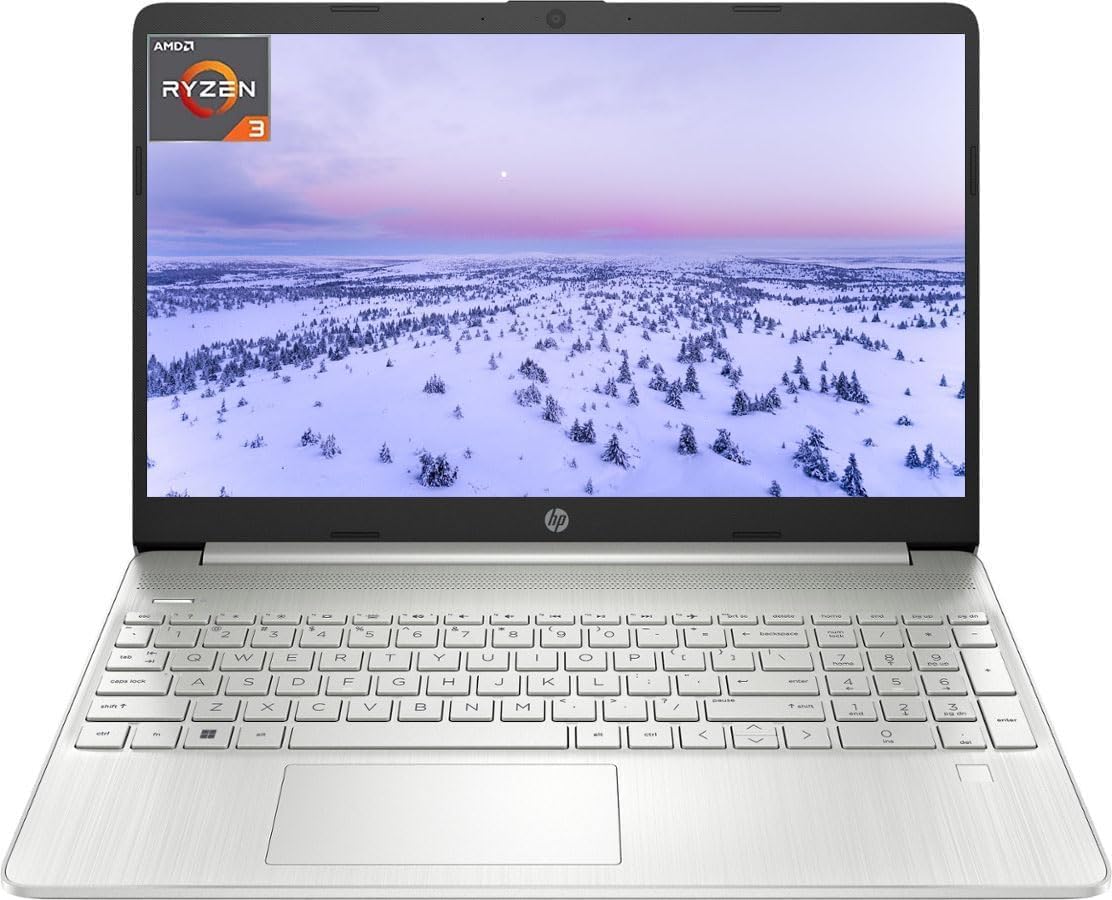

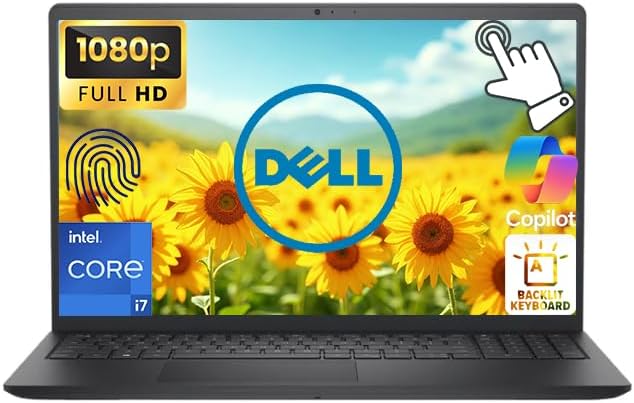

This HP model offers exceptional specs for its price range with a high core count processor and generous storage options suitable for demanding workloads.
We may earn a commission when you buy through this link, at no additional cost to you.
The 32GB RAM ensures smooth multitasking even when running multiple virtual machines or heavy data analysis tools without significant lag during operation.
While the battery life is strong the device leans slightly heavier than ultra portable options which might matter if you frequently carry it for travel.
Users needing a full numeric keypad and touchscreen for spreadsheet work will find this configuration highly practical for daily office environments.
The 32GB of RAM allows you to keep dozens of browser tabs and applications open simultaneously without performance degradation.
Running Windows 11 Pro provides advanced security features and domain join capabilities useful for business and enterprise users.
We may earn a commission when you buy through this link, at no additional cost to you.
This premium HP laptop stands out with a massive 17 inch3 inch screen and a powerful Intel Core i7 processor ideal for creative professionals.
We may earn a commission when you buy through this link, at no additional cost to you.
Users report a perfect five star rating likely due to the seamless blend of high performance and large display area for detailed content creation.
The quantum optimized battery technology claims to offer extended cycles though real world usage depends heavily on screen brightness and workload intensity.
Those needing maximum screen real estate alongside a numeric keypad for financial modeling will find this device highly satisfying for complex tasks.
The 17.3 inch display provides ample space for side by side window management without needing an external monitor setup.
Built in AI capabilities streamline workflows by optimizing system resources based on the applications currently in use.
We may earn a commission when you buy through this link, at no additional cost to you.
Dell offers a compelling entry level option with a 10 core i5 processor and a touchscreen that balances cost and performance effectively for students.
We may earn a commission when you buy through this link, at no additional cost to you.
The inclusion of a numeric keypad makes this attractive for accounting or data entry roles where numerical input speed is critical for daily tasks.
While base RAM is lower the design allows for upgrades ensuring longevity as software requirements increase over the typical lifespan of the hardware.
Buyers seeking a reliable workhorse for basic business tasks will appreciate the balance of features and cost offered in this specific configuration.
The chassis design supports memory upgrades allowing users to increase RAM capacity as their workload demands grow over time.
AI Copilot integration helps automate repetitive tasks and streamline workflow processes directly within the Windows environment.
We may earn a commission when you buy through this link, at no additional cost to you.
This Dell model delivers a solid blend of performance and security with Windows 11 Pro and a fast PCIe SSD for quick boot and load times.
We may earn a commission when you buy through this link, at no additional cost to you.
The numeric keypad is a key feature for professionals who rely on frequent data entry while the Express Charge feature minimizes downtime during work.
While the processor is slightly older than the latest generations it remains capable for most office applications and general multitasking tasks daily users.
Those needing enterprise features like BitLocker encryption and domain join capabilities will find this laptop an excellent match for business requirements.
Express Charge capability allows the battery to recharge to 80 percent in just 60 minutes for minimal interruption to work schedules.
Windows 11 Pro provides enhanced security tools and management features essential for protecting sensitive business data on the device.
We may earn a commission when you buy through this link, at no additional cost to you.
HP includes Microsoft 365 personal with this device which adds significant value for students and home users needing productivity apps without extra costs.
We may earn a commission when you buy through this link, at no additional cost to you.
The large 17.3 inch screen is great for media consumption and reading lengthy documents though the storage capacity may limit local file retention.
Users will benefit from the numeric keypad for homework involving calculations while the lightweight design makes it easy to carry to school classes.
Ideal for general browsing and office work this model prioritizes usability and app availability over raw performance metrics in this configuration.
Microsoft 365 personal provides access to Word Excel and PowerPoint with cloud storage integration for document management anywhere.
HP Fast Charge technology lets you power the laptop from zero to 50 percent in just 45 minutes for quick top ups.
We may earn a commission when you buy through this link, at no additional cost to you.
This HP laptop offers a budget friendly entry point with essential features like a numeric keypad and a functional touchscreen for casual daily usage.
We may earn a commission when you buy through this link, at no additional cost to you.
Windows 11 Home in S Mode provides a secure locked down environment that ensures system stability though it limits software installation flexibility.
Users looking for a machine primarily for web browsing and document editing will find the performance adequate for these basic daily computing tasks.
The privacy shutter on the webcam adds a layer of security for video calls which is a thoughtful inclusion for home office and student needs.
Windows S Mode restricts app installation to the Microsoft Store to reduce security risks and improve system performance for daily users.
The built-in privacy shutter allows you to physically block the camera lens when video calls are not active for peace of mind.
We may earn a commission when you buy through this link, at no additional cost to you.
The OmniBook 3 features a sharp 2K IPS display with wide viewing angles and vivid colors ideal for creative work and visual tasks.
We may earn a commission when you buy through this link, at no additional cost to you.
Its lightweight chassis makes it easy to carry around while still providing a full numeric keypad for those needing efficient data input.
The AMD Ryzen 5 40 processor offers balanced performance for multitasking though it may not suit heavy gaming or complex video editing workloads.
Users prioritizing display quality and portability will appreciate the design and modern features like FreeSync which reduces screen tearing.
AMD FreeSync technology synchronizes the display refresh rate with the GPU to minimize stutter and tearing for smoother visuals.
Advanced AI noise reduction filters background sounds during calls ensuring clearer communication without manual microphone adjustments.
We may earn a commission when you buy through this link, at no additional cost to you.
Security is a highlight here with a fingerprint reader alongside Windows Hello support for quick and secure access without typing complex passwords often.
We may earn a commission when you buy through this link, at no additional cost to you.
The 10-core i7 processor ensures the system remains responsive even under load making it suitable for power users and small business owners.
While the chassis adds some weight the backlit keyboard ensures usability in dim environments which is common for travelers and evening work sessions.
Those valuing biometric security and strong processing power will find this Dell model a reliable choice for daily professional computing needs.
The fingerprint reader provides a secure and quick way to log in without needing to remember complex alphanumeric passwords.
A backlit keyboard allows for comfortable typing in low light conditions reducing eye strain during late night work or travel.
We may earn a commission when you buy through this link, at no additional cost to you.
With 32GB of RAM this Dell Inspiron is optimized for heavy multitasking where running multiple virtual machines or large data sets is necessary for work.
We may earn a commission when you buy through this link, at no additional cost to you.
The numeric keypad and touchscreen combination supports diverse workflows making it a versatile choice for analysts or researchers who handle large inputs.
While the CPU is older the sheer memory capacity compensates for many use cases ensuring smooth performance when running many programs at once.
Students and professionals needing high memory headroom for specialized software will find this configuration particularly useful for their specific workload needs.
The 32GB RAM ensures that memory bottlenecks are virtually eliminated allowing smooth operation of resource hungry applications.
Windows 11 Pro offers domain join and advanced group policy management features useful for corporate or academic network environments.
We may earn a commission when you buy through this link, at no additional cost to you.
This HP laptop features modern connectivity standards like WiFi 6 and Bluetooth 5.4 ensuring fast data transfer and stable peripheral connections.
We may earn a commission when you buy through this link, at no additional cost to you.
The octa-core processor provides efficient multitasking capabilities for everyday tasks while the numeric keypad supports quick data entry for users.
While storage is limited the fast PCIe SSD ensures system responsiveness and quick boot times for daily workflows across various environments.
Buyers prioritizing wireless performance and a full keyboard layout will appreciate the balance of modern features in this reliable business home machine.
WiFi 6 and Bluetooth 5.4 provide faster speeds and lower latency for connecting to networks and peripherals simultaneously.
The octa-core design balances power consumption and performance for smooth operation of daily applications and browser tasks.
We may earn a commission when you buy through this link, at no additional cost to you.
Selecting the right device involves evaluating processor speed memory storage and screen quality to match your specific work needs.
The processor determines how fast your laptop can handle tasks ranging from basic web browsing to complex data analysis and virtual machines.
Look for Intel Core i5 or i7 or AMD Ryzen 5 or 7 processors to ensure smooth performance for multitasking and future software updates.
RAM directly affects how many applications you can run simultaneously without slowdowns or lag in system performance.
Aim for at least 16GB of RAM for professional work though 32GB is ideal for heavy multitasking or virtual machine usage.
Solid State Drives (SSDs) provide much faster boot times and application loading compared to traditional hard disk drives.
Choose a minimum of 512GB for storage to accommodate large files and ensure the system has room to breathe as you use it.
A high quality IPS touchscreen offers better viewing angles and color accuracy essential for media and content work tasks.
Check that the screen supports multi touch gestures and has a clear resolution to ensure responsive interaction with touch apps.
For financial or data entry tasks a full sized numeric keypad on the right side of the keyboard is essential for efficiency.
Ensure the keyboard has good travel distance and is backlit for comfortable typing in various lighting conditions throughout the day.
Long battery life is crucial for travelers and remote workers who need to work away from a power outlet for extended periods.
Look for models claiming 8 hours or more of real world use and fast charge capabilities to minimize downtime during work.
Modern ports like USB-C and HDMI allow you to connect to external monitors and fast transfer data to other devices easily.
Ensure the device supports WiFi 6 or newer standards for faster and more stable wireless internet connections in busy environments.
Windows 11 Pro provides advanced security and management features useful for business environments or professional workflows.
Home versions may suffice for casual users but check if you need features like BitLocker or domain join for your specific needs.
Always use a screen protector to prevent scratches on the touchscreen while cleaning it with a soft microfiber cloth to avoid residue buildup.
Regularly update your drivers and BIOS to ensure hardware compatibility and security patches are applied for optimal system performance.
Keep your numeric keypad clean by periodically removing dust with a compressed air can to prevent sticky keys from developing over time.
A numeric keypad allows for faster data entry and financial calculations which is essential for accountants and data analysts. Without it you must use the number row which slows down your workflow significantly.
Modern laptop touchscreens are made with hardened glass and are quite durable for daily use. However using a screen protector can help prevent scratches and oil residue over time.
Using the touchscreen constantly can drain battery faster than using a trackpad because it activates sensors more frequently. Disabling touch when not needed helps conserve power during travel.
Full HD (1920×1080) is the standard for most laptops providing a good balance between clarity and performance. Higher resolutions like 2K offer more detail but may require scaling.
Many modern laptops have soldered RAM which cannot be upgraded after purchase. Always check the manufacturer specifications to see if the memory is accessible for future expansion.
Windows 11 Pro includes advanced security and management features useful for business environments. Home is sufficient for casual users but Pro is better for domain connectivity.
The HP and Dell models reviewed offer a wide range of options from budget friendly to premium devices suitable for diverse professional needs.
Prioritize memory capacity and processor speed to ensure your laptop remains capable for future software demands and multitasking requirements.
Always verify current prices and availability as these details can change frequently and may impact your final purchase decision today.