
TP-Link AXE5400
4.3Editor score
Tri-Band WiFi 6E Router
Near-zero latency 6 GHz
EasyMesh compatible
This guide compares the top low latency WiFi routers for gaming and streaming, evaluating speed, coverage, and features to help you choose the best model.
Low latency WiFi routers are essential for modern homes where gaming and video calls demand instant responses. These devices minimize delay to ensure smooth performance across all connected devices.
We compared ten leading models based on speed, coverage, and advanced features like WiFi 7 and tri-band technology. Our analysis focuses on real-world performance for demanding users.
Each pick highlights key strengths and potential trade-offs to help you find the right router. Note that prices and availability can change frequently, so check current listings before buying.
4.3Editor score

4.6Editor score

4.3Editor score
This side-by-side comparison highlights the key specifications and strengths of each router to help you make an informed decision based on your specific networking needs.
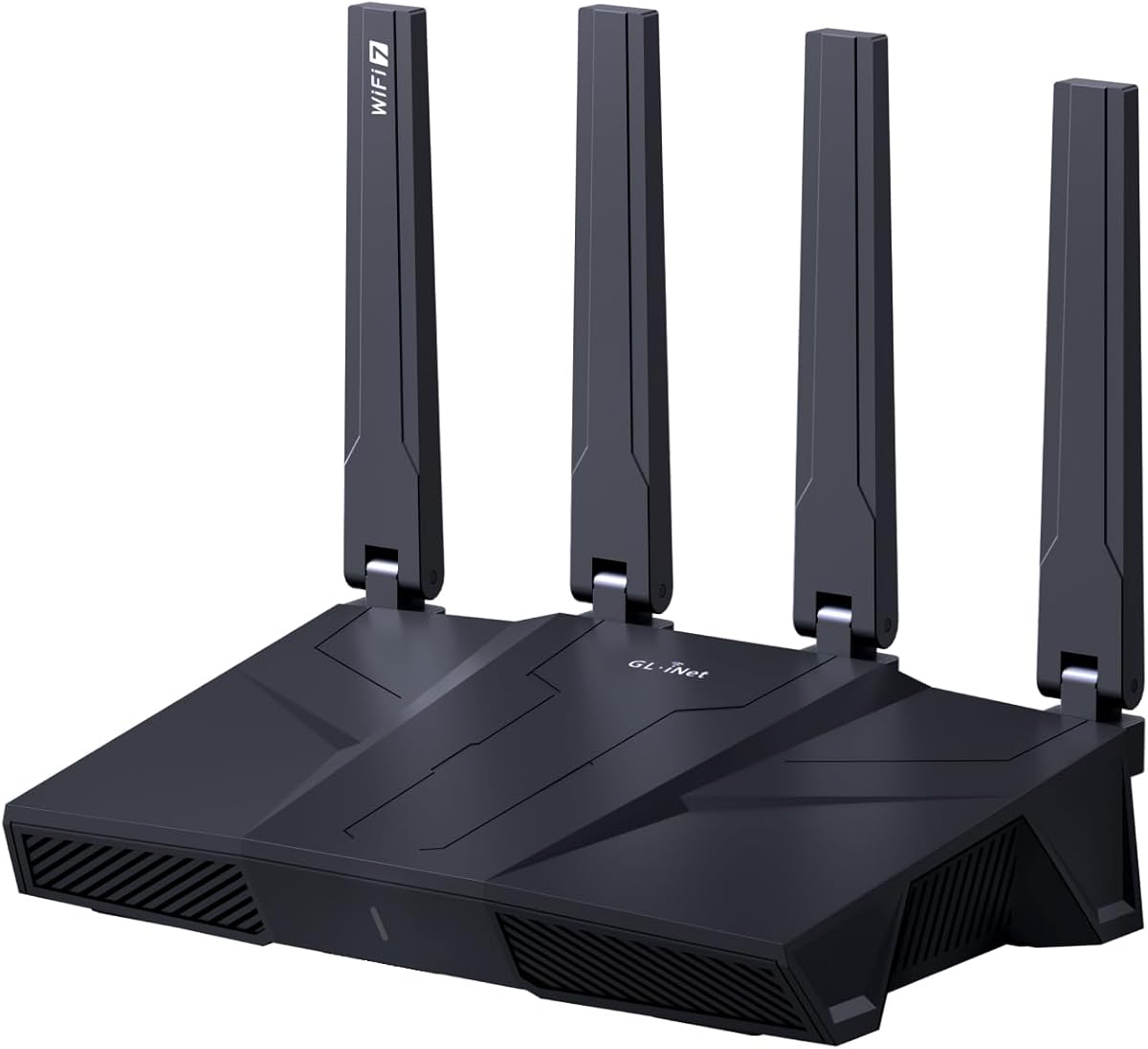



The GL.iNet Flint 2 is a top-tier router designed specifically for gaming and high-performance needs. It scores highly with a 4.6 rating due to its robust hardware and low-latency features.
We may earn a commission when you buy through this link, at no additional cost to you.
Its standout qualities include dual 2.5G ports and WiFi 6 technology that delivers up to 6 Gbps. The router also supports rapid VPN speeds and AdGuard Home for enhanced control over your network.
Honest trade-offs involve the initial setup requirement to update firmware and the higher cost compared to basic models. These are acceptable given the performance benefits for competitive gamers.
Gamers and power users should buy this router for its stability and speed. It is the best recommendation for those who need reliable, low-latency connections.
The 8-stream Wi-Fi 6 technology ensures stable connections during intense multiplayer sessions.
Wireguard and OpenVPN provide secure connections with high throughput for privacy-focused users.
We may earn a commission when you buy through this link, at no additional cost to you.
The TP-Link AXE5400 offers excellent value for those seeking low latency without breaking the bank. With a 4.3 rating, it is recognized for its efficient WiFi 6E performance.
We may earn a commission when you buy through this link, at no additional cost to you.
Key strengths include the 6 GHz band which provides near-zero latency and faster speeds. Tri-Band design allows more devices to connect simultaneously without congestion.
Trade-offs like standard RAM are acceptable for the price. It may not support as many devices as premium models but fits most homes perfectly.
Buy this router for budget-conscious users needing better performance. It is ideal for streaming and light gaming without premium costs.
The dedicated 6 GHz band reduces interference for smoother video calls and gaming.
EasyMesh compatibility lets you extend range easily with compatible routers or extenders.
We may earn a commission when you buy through this link, at no additional cost to you.
This ASUS ROG model is the ultimate choice for enthusiasts who want the fastest possible speeds. It scores 4.3 for its cutting-edge technology and gaming-specific optimizations.
We may earn a commission when you buy through this link, at no additional cost to you.
The 30 Gbps speed via WiFi 7 ensures no bottlenecks. Game Acceleration prioritizes PC gaming traffic effectively from your device to the server.
The high price and setup complexity are the main trade-offs. They are acceptable if you demand the absolute best performance available today.
Buy this for professional gamers or large homes needing extreme speed. It is the top premium recommendation for uncompromising performance.
The Triple-Level Game Acceleration optimizes traffic to reduce lag significantly.
Dual 10G ports allow full utilization of multi-gig fiber connections.
We may earn a commission when you buy through this link, at no additional cost to you.
The NETGEAR Nighthawk WiFi 7 provides excellent coverage for larger living spaces. It holds a 4.3 rating for balancing high speed with broad signal range.
We may earn a commission when you buy through this link, at no additional cost to you.
Strengths include up to 9.3 Gbps speeds and dedicated bands for specific devices. The app makes setup and management easy for all users.
High pricing and the need for mesh in very large homes are trade-offs. These are acceptable for its reliable performance in spacious environments.
Buy this for homes up to 2500 sq ft needing modern speeds. It is a solid recommendation for families with many devices.
The router delivers reliable signal across up to 2500 sq ft easily.
The Nighthawk app simplifies network control from anywhere with internet access.
We may earn a commission when you buy through this link, at no additional cost to you.
The NETGEAR RS90 offers a more accessible entry into WiFi 7 technology. It is rated 4.3 for its balanced performance and straightforward features.
We may earn a commission when you buy through this link, at no additional cost to you.
Strengths include up to 3.6 Gbps speeds and a simple setup app. It handles everyday tasks like streaming and browsing efficiently.
Trade-offs are lower speeds and coverage compared to tri-band models. These are acceptable for smaller homes on a budget.
Buy this for those wanting WiFi 7 without high cost. It is ideal for standard households needing reliable connectivity.
The guided setup via the Nighthawk app ensures quick network configuration.
Supports up to 50 devices without significant performance drops.
We may earn a commission when you buy through this link, at no additional cost to you.
The TP-Link BE230 brings WiFi 7 technology to a more affordable price range. It has a 4.2 rating for delivering solid performance for typical users.
We may earn a commission when you buy through this link, at no additional cost to you.
Strengths include Multi-Link Operation and 2.5G ports for faster wired connections. It offers good value for early adopters on a budget.
Trade-offs are the lack of 6 GHz and lower throughput. These are acceptable for those wanting future-proofing without premium costs.
Buy this for small to medium homes needing modern tech. It is a great recommendation for budget-friendly next-gen connectivity.
MLO improves reliability by connecting multiple bands simultaneously.
Includes 2.5G ports to break the 1G barrier for NAS or gaming.
We may earn a commission when you buy through this link, at no additional cost to you.
The GL.iNet Flint 3e is excellent for users prioritizing privacy and speed. It earns a 4.2 rating for combining low latency with powerful VPN capabilities.
We may earn a commission when you buy through this link, at no additional cost to you.
Strengths include VPN speeds up to 1100 Mbps and extensive coverage. It handles streaming and gaming with minimal lag.
Trade-offs like firmware updates are standard for advanced hardware. They are acceptable for the performance and control provided.
Buy this for users wanting secure high-speed internet. It is ideal for homes needing strong security and performance.
High VPN speeds ensure secure data without slowing down connections.
Delivers reliable signal strength across up to 2500 square feet.
We may earn a commission when you buy through this link, at no additional cost to you.
The GL.iNet Flint 3 is a powerhouse for connectivity and speed. With a 4.3 rating, it stands out for its tri-band performance and hardware capabilities.
We may earn a commission when you buy through this link, at no additional cost to you.
Strengths include five 2.5G ports and massive device support. The low latency makes it perfect for smart homes and gaming.
Trade-offs are the premium price and update requirement. These are acceptable for its versatile and robust networking features.
Buy this for users needing many connections and wired ports. It is recommended for tech-savvy households with many devices.
Five 2.5G ports allow direct connection for many high-speed devices.
Accommodates over a hundred devices with stable connections.
We may earn a commission when you buy through this link, at no additional cost to you.
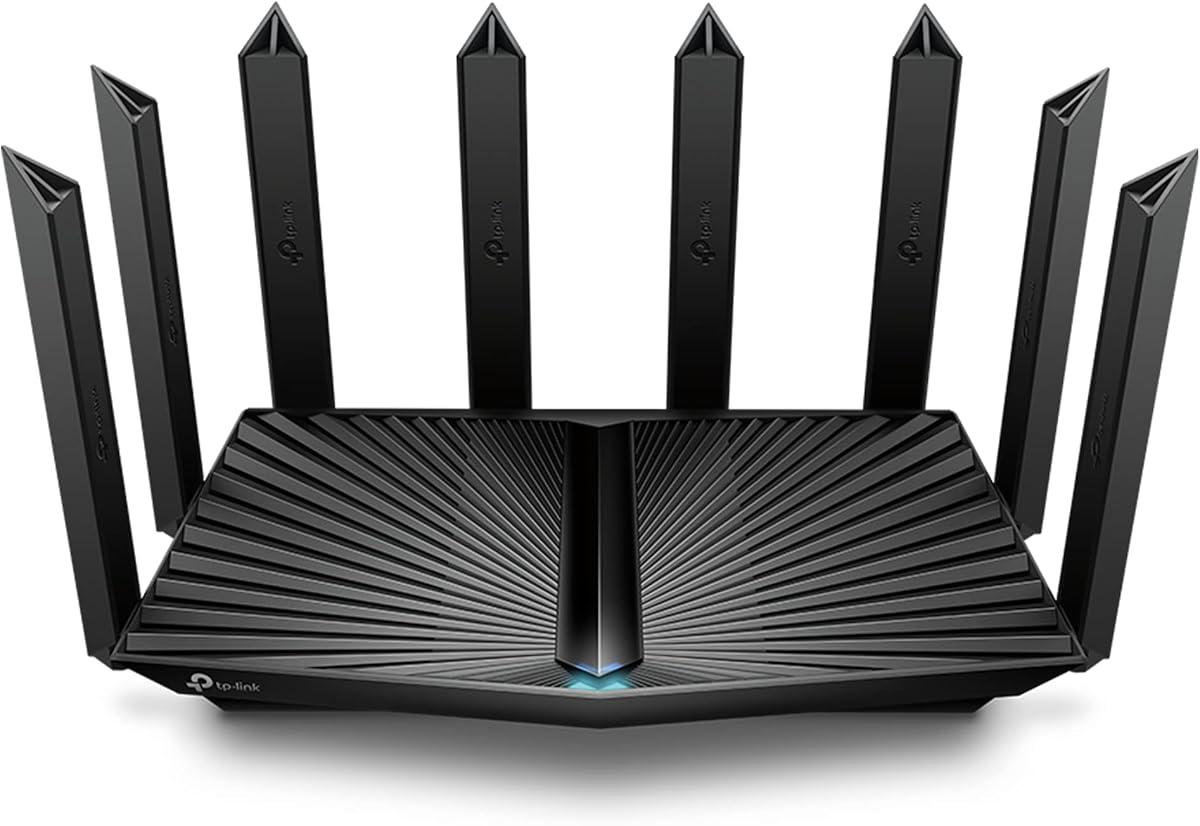
The TP-Link AX80 is a proven reliable router with excellent reviews. It holds a 4.4 rating for its stability and high-performance WiFi 6 features.
We may earn a commission when you buy through this link, at no additional cost to you.
Strengths include eight high-gain antennas for vast coverage. The 2.5G port allows for multi-gig wired connections effectively.
Trade-offs are the older WiFi 6 standard compared to WiFi 7. These are acceptable for most users who need reliable speed without ultra-low latency.
Buy this for homes needing dependable broad coverage. It is a solid recommendation for typical households with standard needs.
Beamforming and 8 antennas ensure strong signal everywhere.
Supports OneMesh extenders for a seamless whole home network.
We may earn a commission when you buy through this link, at no additional cost to you.
This Asus ROG model is a legacy powerhouse with 6E capabilities. It has a 4.1 rating for offering high throughput and tri-band efficiency.
We may earn a commission when you buy through this link, at no additional cost to you.
Strengths include the 6 GHz band for less interference and Game Acceleration. The cooling system ensures stable performance under load.
Trade-offs include the age of the standard and power consumption. These are acceptable for those needing high speed without WiFi 7 features.
Buy this for users with multi-gig plans needing 6E. It is a good recommendation for tech enthusiasts still on WiFi 6E.
Tri-band design provides 11000 Mbps total throughput for heavy loads.
Prioritizes gaming traffic to reduce latency effectively.
We may earn a commission when you buy through this link, at no additional cost to you.
Choosing the right low latency router involves considering several factors to ensure your network meets your speed and connection needs.
Look for the latest WiFi 7 or WiFi 6E standards which offer lower latency and higher speeds. Older standards may struggle with modern gaming or streaming demands.
Prioritize newer generations like WiFi 7 for the best future-proofing and performance.
Tri-band routers provide an extra 5 GHz or 6 GHz band to reduce congestion. This extra bandwidth is crucial for maintaining low latency when many devices are online.
Choose tri-band models for homes with many connected devices to minimize interference.
2.5G or 10G ports allow for faster wired connections to consoles or NAS. This prevents bottlenecks when your internet plan exceeds standard gigabit speeds.
Ensure your router has high-speed ports to match your internet subscription.
Consider the square footage your router needs to cover. Models with more antennas and better technology provide wider range without dead zones.
Select a router rated for your home size to ensure consistent speed everywhere.
Advanced routers offer Game Acceleration or QoS to prioritize gaming traffic. These features ensure your gameplay remains smooth even when others are streaming.
Look for specific gaming tools if you play competitive online games regularly.
Built-in VPN and security features protect your home network from threats. Some routers offer high VPN speeds which prevent security from impacting performance.
Choose models with strong security suites for safer browsing and streaming.
High-end routers support over 100 devices simultaneously without slowing down. If you have many smart home gadgets, this capacity is vital for stability.
Check the max device limit to ensure it fits your connected ecosystem.
User-friendly apps and guided setup save time and effort. Complex interfaces may require advanced knowledge to optimize latency settings.
Pick routers with intuitive management apps for easier maintenance.
Place your router in a central open area away from walls or metal objects to maximize signal range. This helps reduce interference and maintain low latency for all devices.
Regularly update the router firmware to ensure you have the latest performance fixes and security patches. Outdated firmware can lead to instability and slower speeds.
Restart your router periodically to clear memory and refresh connections. This simple step can resolve minor lag issues and keep the network running smoothly.
A low latency router minimizes delay between sending and receiving data. It uses advanced standards like WiFi 6E or 7 with features like OFDMA to ensure fast responses.
WiFi 7 offers the lowest latency but isn't strictly necessary for all gamers. WiFi 6E is often sufficient for most needs unless you demand the absolute fastest speeds.
Most modern routers support 50 to 100+ devices. High-end models like the Flint 3 specifically handle over 100 without significant slowdowns or latency.
You typically need a modem that supports your internet speed. The router connects to the modem via Ethernet to process and distribute the signal effectively.
Many routers are mesh compatible via EasyMesh or OneMesh. You can add extenders to expand coverage without losing performance or connection quality.
Place the router centrally and update firmware. Enable QoS features in the settings to prioritize gaming or streaming traffic for reduced lag.
The top picks include the GL.iNet Flint 2 for gamers and the TP-Link AXE5400 for budget buyers. Each offers unique strengths depending on your specific needs.
Prioritize WiFi generation and port speeds to ensure long-term value. A router that supports modern standards will serve you well as technology evolves.
Remember to check current prices and availability before buying. Prices can fluctuate so always verify listings for the best deal available today.