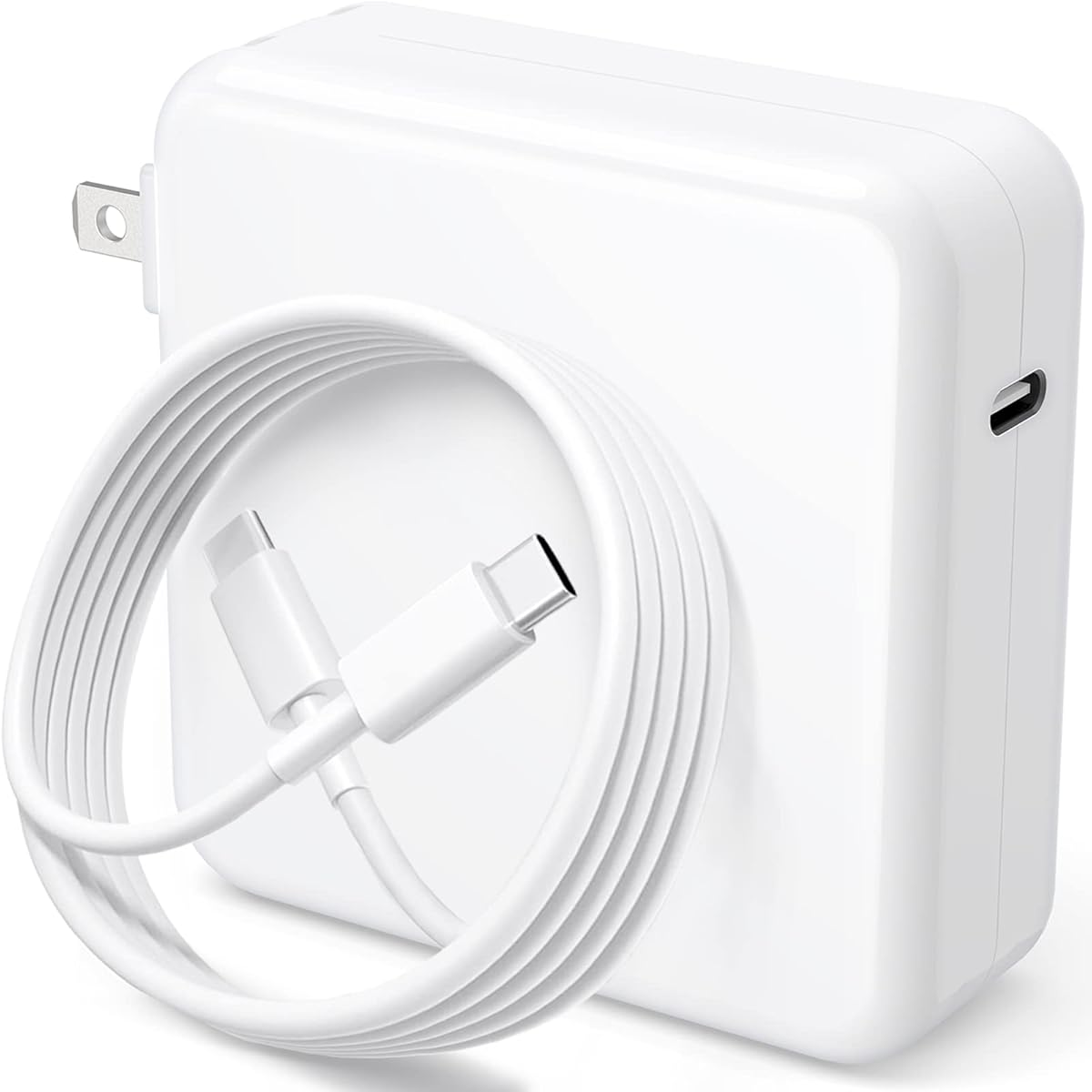
Mac Book Pro Charger
4.2Editor score
120W Fast Charging
Wide Compatibility
Foldable Design
Smart Battery Health
This guide compares the top 120W USB C chargers for laptops and phones, evaluating speed, safety, port count, and portability for modern power needs.
Finding the right power solution for your devices is crucial in today's fast-paced digital environment. A high-quality 120W USB C charger ensures your laptop, tablet, and phone charge quickly and safely without overheating or damaging the battery.
We have analyzed ten top-rated models based on charging speed, build quality, port flexibility, and user feedback. Our comparison focuses on real-world performance metrics like wattage delivery, GaN technology efficiency, and compatibility with modern USB-C standards.
Each product in this list highlights specific strengths such as travel-friendly designs, multi-port capabilities, or value pricing. Please note that prices fluctuate regularly on marketplaces, so always check the current listing before making your final purchasing decision today.
4.2Editor score

4.2Editor score
4.6Editor score
This table provides a side-by-side technical overview of the ten selected chargers. Compare their specific port configurations, maximum wattage outputs, and key technologies to find the model that best fits your daily usage patterns and device ecosystem.





This 2-pack set offers a fantastic entry point for users needing reliable power at home and office. With a solid 4.6-star rating, it delivers dual 65W ports for rapid charging across multiple devices simultaneously without significant heat buildup.
We may earn a commission when you buy through this link, at no additional cost to you.
The inclusion of four USB-C cables significantly adds value, saving you from buying accessories separately. Advanced GaN technology ensures the charger remains compact while handling the high 120W total output efficiently for various laptops and phones.
While two chargers take up slightly more space than one, the utility of having a dedicated unit for travel and office outweighs the minor bulk. It is a smart investment for anyone managing multiple workstations.
Ideal for families or professionals who need consistent fast charging power everywhere. This pack combines performance and convenience in a way that single units often cannot match at this price point.
Two ports deliver 65W each allowing simultaneous charging of two laptops or a laptop and phone without slowdown.
Includes two chargers and four cables ready for immediate use across different setups and locations.
We may earn a commission when you buy through this link, at no additional cost to you.
This adapter stands out for its affordability while maintaining strong 120W performance for major laptops. Users appreciate the high 97% efficiency which ensures minimal energy is wasted as heat during long charging sessions.
We may earn a commission when you buy through this link, at no additional cost to you.
The foldable plug makes it easy to pack in a laptop bag without damaging other items. It also includes a decent 6.6ft cable which provides good flexibility for working from a desk or bed comfortably.
While the build is more basic than premium brands, it includes smart systems to monitor battery health and extend lifespan. This makes it a safe choice for daily charging needs without overspending.
Best for students or budget-conscious users who need reliable power for their Mac or Windows laptop. It delivers the core functionality required without unnecessary extras that drive up the cost.
Delivers up to 97% efficiency reducing energy waste and keeping the charger cooler during operation.
Foldable plug design protects your bag contents and simplifies travel storage.
We may earn a commission when you buy through this link, at no additional cost to you.
Amazon Basics brings a trusted name to the 120W charger market with this highly compact Nano GaN unit. It features three ports allowing you to charge a laptop plus two smaller devices like a phone and smartwatch at once.
We may earn a commission when you buy through this link, at no additional cost to you.
The single USB-C port can deliver up to 100W which is sufficient for most high-performance laptops. Its tiny size makes it perfect for travel where wall outlet space is limited and bag weight matters.
Note that it does not come with a cable so you will need to use your own existing cords. This keeps the price competitive but requires you to have separate cables handy for setup.
Recommended for users who already have cables and want a versatile, reliable wall adapter. It balances performance and size well making it a staple for both home and office setups.
Compact footprint ensures it does not block adjacent outlets on crowded power strips.
Three ports allow simultaneous charging of a laptop phone and small gadget without needing multiple adapters.
We may earn a commission when you buy through this link, at no additional cost to you.
This unit offers a unique all-in-one solution with two built-in retractable cables reducing cable clutter significantly. The design is ideal for travelers who do not want to carry extra cords with their power brick.
We may earn a commission when you buy through this link, at no additional cost to you.
Powered by GaN IV technology it manages heat well while delivering 120W across its four ports. The retractable cables extend up to 27.56 inches providing decent reach while staying contained when not in use.
While the cable length is fixed by the mechanism it is generally sufficient for most desk or bed use. The compact foldable plug ensures it fits easily into travel bags without snagging.
Perfect for minimalists who want a complete charging solution in a single box. It simplifies your daily routine by keeping everything organized and ready to use whenever needed.
Built-in retractable cables eliminate the need for separate cables and reduce tangling issues.
Four ports allow charging of laptops phones and other devices simultaneously with smart power distribution.
We may earn a commission when you buy through this link, at no additional cost to you.
Designed specifically for Dell laptops this charger delivers a robust 130W output to ensure stable power for high performance machines. It covers a wide range of Dell XPS and Latitude series models with reliable connectivity.
We may earn a commission when you buy through this link, at no additional cost to you.
The 11-foot cable is exceptionally long allowing you to sit far from a wall outlet comfortably. This is a major plus for home office setups where outlets are often positioned inconveniently far from desks.
While it is heavier than modern GaN bricks it offers the raw power needed for demanding workloads. The slim design still makes it portable enough for occasional travel without excessive bulk.
Ideal for Dell owners seeking a direct replacement that supports all power requirements. It ensures your machine runs at full speed without the limitations of lower wattage third-party options.
An 11-foot cable provides maximum flexibility for placement away from power outlets.
Engineered to match Dell laptop power requirements ensuring safe and effective charging.
We may earn a commission when you buy through this link, at no additional cost to you.
Anker continues to deliver reliability with this compact 100W charger that balances power and portability. It includes a 5-foot cable which is a standard length for most daily use scenarios.
We may earn a commission when you buy through this link, at no additional cost to you.
The ActiveShield safety technology monitors temperature frequently to ensure safety for you and your devices. This feature provides peace of mind especially during overnight charging or long work sessions.
While it tops out at 100W it is sufficient for most laptops and tablets except for the most power-hungry models. The foldable plug keeps it tidy in your bag preventing scratches to other items.
Best for users who value brand trust and safety features over raw maximum wattage. It is a solid all-around choice for daily commuting and general office use.
ActiveShield technology monitors temperature to prevent overheating and ensure safe charging.
Foldable plug and compact size make it easy to pack without taking up much space.
We may earn a commission when you buy through this link, at no additional cost to you.
This premium model introduces a smart display that shows real-time charging status and temperature for each port. It is perfect for power users who want visibility into exactly how their devices are being powered.
We may earn a commission when you buy through this link, at no additional cost to you.
With a 140W max output it can handle the most demanding laptops with ease. The four ports allow you to charge your entire ecosystem of devices from a single brick.
The price is higher than others but you gain advanced monitoring features and top-tier safety protocols. This level of control and protection justifies the investment for professional environments.
Recommended for tech enthusiasts who want the latest innovations in charging technology. It combines high power with smart features that traditional chargers simply do not offer yet.
The display shows wattage and temperature for each port giving precise control over power use.
Four ports with 140W total allow charging multiple high-power devices simultaneously.
We may earn a commission when you buy through this link, at no additional cost to you.
Another excellent all-in-one station from this series offering the same convenience of retractable cables. It keeps your travel kit simple by eliminating the need for loose cables in your bag.
We may earn a commission when you buy through this link, at no additional cost to you.
The GaN IV technology ensures stable charging while keeping the unit lightweight. It delivers 65W from the top port which is perfect for most mid-range laptops and tablets on the go.
This black model offers a sleek look that fits well with modern tech aesthetics. While similar to other models it provides consistent performance that users find reliable for daily charging needs.
Best for those who want a neat and tidy charging setup without compromising on power. It is a smart choice for travelers who prioritize organization and efficiency.
Retractable cables keep your bag organized and prevent tangles or damage during travel.
GaN IV chip ensures stable power delivery with minimal heat generation.
We may earn a commission when you buy through this link, at no additional cost to you.
This charger provides a cost-effective solution for MacBook owners needing a reliable backup or travel unit. It supports a wide range of MacBook models and ensures efficient charging with its built-in smart chip.
We may earn a commission when you buy through this link, at no additional cost to you.
The inclusion of a 6.6ft cable adds significant value making it easy to use from a distance. Safety features protect against overheating and over-current issues providing a secure charging environment.
While it is not the most robust build it covers all essential functions well. For the price it offers excellent performance that meets the daily needs of most users.
Best for students or budget buyers who need a solid 120W charger without paying for premium brands. It is a practical choice for everyday tasks and travel.
Includes a long cable and smart chip for a low price point.
Built-in protection chips prevent common electrical issues like overheating.
We may earn a commission when you buy through this link, at no additional cost to you.
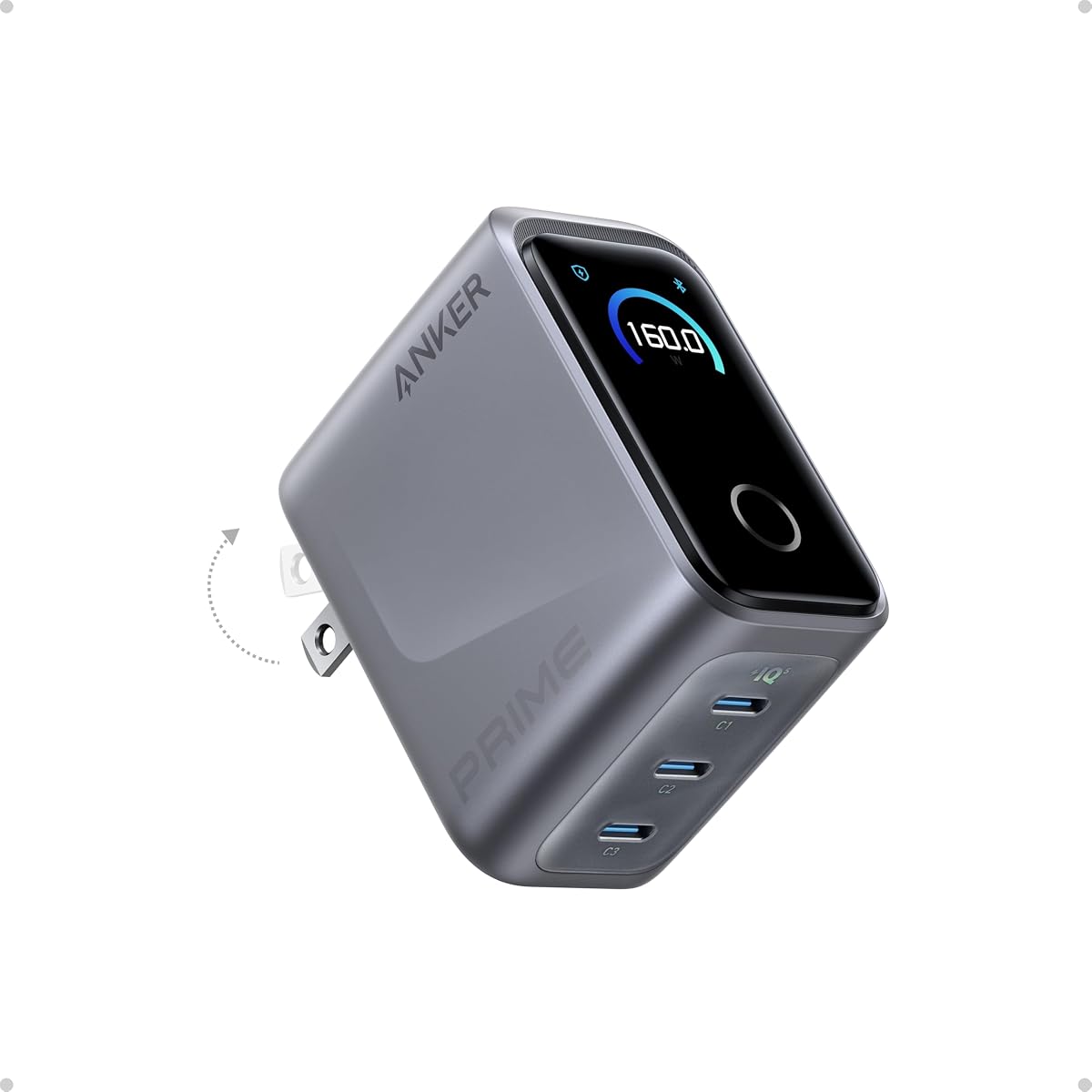
This is the top-of-the-line option delivering an impressive 160W total output in a surprisingly compact case. It ensures your high-end MacBook Pro charges at maximum speed with a consistent 140W single port output.
We may earn a commission when you buy through this link, at no additional cost to you.
The smart display allows you to monitor power usage in real-time making it easy to manage your charging habits. AnkerSense View adds custom control through an app giving you unique control over power modes.
While it is the most expensive on this list it offers power density that rivals larger bricks. The warranty and build quality justify the cost for users who demand top performance.
Ideal for professionals with high-performance laptops who need reliable power anywhere. It is the ultimate choice for those who want the best available technology for charging.
160W total output handles even the most power-hungry devices without slowdown.
Custom charging modes via app give you precise control over power distribution.
We may earn a commission when you buy through this link, at no additional cost to you.
Selecting the right 120W USB C charger requires understanding your specific needs and device requirements to ensure optimal performance and safety.
Ensure the charger supports at least 120W total output if you have multiple high-power devices. For single laptop charging check that one port supports 100W or more to handle performance laptops effectively.
Always match the charger wattage to your device requirements to avoid slow charging or battery stress.
Count the number of devices you need to charge simultaneously and look for a charger with enough ports. Some units offer three or four ports allowing you to charge laptops phones and accessories at once.
More ports provide flexibility but may split total power between them so check split configurations carefully.
Gallium Nitride or GaN technology allows chargers to be smaller and cooler than traditional silicon models. It improves efficiency and reduces heat buildup which is critical for safety and longevity.
Choose GaN chargers for better portability and reliable thermal management during high-load use.
Decide if you want a charger with included or built-in cables to save packing space. Retractable or integrated cables reduce clutter but may limit length flexibility compared to external ones.
Included cables add convenience but ensure they meet the fast charging standards you need.
Look for built-in protection against over-voltage over-current and overheating to safeguard your devices. Technologies like ActiveShield monitor temperature to prevent potential damage during long sessions.
Safety features are essential for maintaining battery health and ensuring safe daily operation.
A compact design with a foldable plug makes carrying the charger easier and protects against scratches. Durable materials ensure the unit withstands frequent travel and daily handling without wear.
Prioritize compact foldable designs if you travel often to save space and prevent damage.
Check that the charger supports PD 3.0 or PD 3.1 standards for optimal compatibility with modern devices. Ensure it works with your specific laptop model like MacBook or Dell to avoid connection issues.
Standard compliance ensures fast and safe charging across a wide range of devices and brands.
A solid warranty period like 18 or 24 months indicates the manufacturer stands by their product quality. Good customer support ensures you can get help quickly if issues arise with your charger.
Always verify the warranty terms before buying to protect your investment long term.
To maximize lifespan keep the charger in a cool dry place when not in use to prevent heat stress. Avoid wrapping cables too tightly as this can damage internal wires over time.
Regularly inspect the charger and cables for any signs of wear or fraying before plugging them into power outlets. If you notice damage stop using the unit immediately to ensure safety.
When traveling pack the charger securely to prevent physical impact and use a padded pouch if available. This simple habit protects the delicate electronics and extends the useful life of the product.
Yes 120W is sufficient for most ultrabooks and 14-inch laptops. For high-performance 16-inch gaming or workstation laptops check if they require more than 100W single port power for full speed.
Absolutely they support PD and PPS protocols allowing fast charging for most modern smartphones. A 65W output is usually enough to charge any phone quickly even while in use.
Heat is normal due to energy conversion inside the charger. GaN chargers stay cooler than older models but some warmth is expected during high power delivery sessions.
Yes many of these models support dual or triple charging. The total power splits between ports so your laptop may charge slightly slower if you also plug in a phone.
Yes they include smart safety features that prevent overcharging and regulate power. However ensure the charger is in a well-ventilated area during long sessions to maintain safety.
GaN chargers use advanced semiconductor material allowing them to be smaller and more efficient. They generate less heat and handle power delivery more reliably than standard silicon chargers.
Yes ensure your USB-C cable is rated for high wattage such as 100W or 240W support. Lower rated cables may limit your charging speed even if the charger supports high output.
We have reviewed ten powerful options ranging from budget-friendly dual packs to premium smart chargers with displays. Each model offers unique strengths whether you prioritize cost convenience or maximum performance.
Prioritize your specific needs such as port count or travel size when making your decision. A charger with GaN technology usually offers the best balance of power and portability for daily use.
Prices and availability change frequently so always verify the current listing details before purchase. Select the model that aligns best with your devices and usage habits for the best experience.