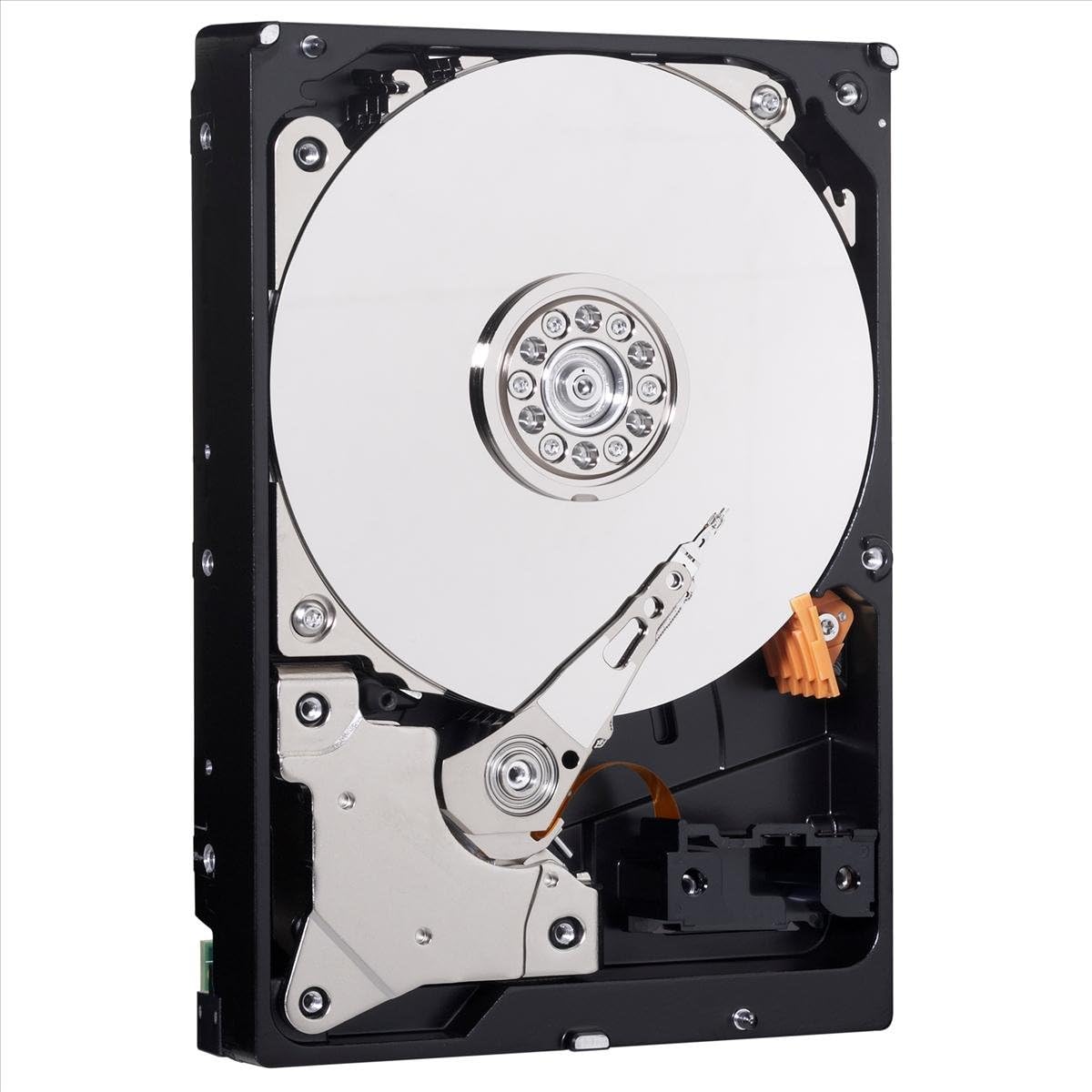
WD Blue 500GB
4.4Editor score
16MB Cache
Low Power Use
IntelliSeek Tech
Selecting the right internal storage is crucial for system performance. A 7200 Rpm HDD Hard Drive offers a balance of speed and capacity for desktops and servers. These drives spin faster than standard 5400 RPM models to reduce latency and improve data throughput significantly.
We evaluated ten top-rated models based on cache size, interface speed, and warranty coverage. Our analysis focuses on real-world performance metrics and reliability data from manufacturers like Seagate and Western Digital. This ensures you find a drive that meets your specific workload demands.
Each pick below highlights key strengths for gaming, creative work, or data center use. Prices and availability fluctuate frequently so check current listings before purchasing. Use our detailed comparisons to make an informed decision that lasts for years.
4.4Editor score

4.6Editor score

4.4Editor score
As an Amazon Associate we earn from qualifying purchases.
The table below details the specifications of each model to help you compare capacity and cache sizes at a glance. Pay attention to the interface type and warranty terms as these vary significantly across the list.
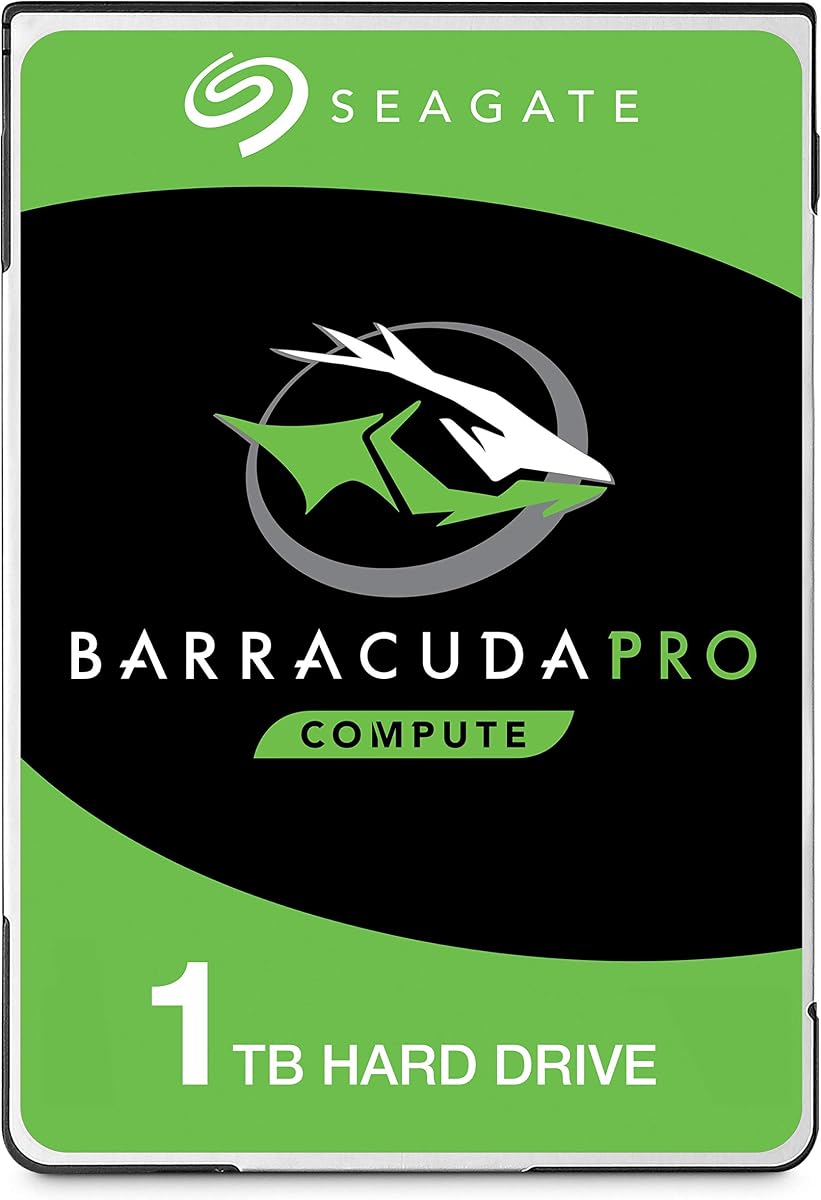


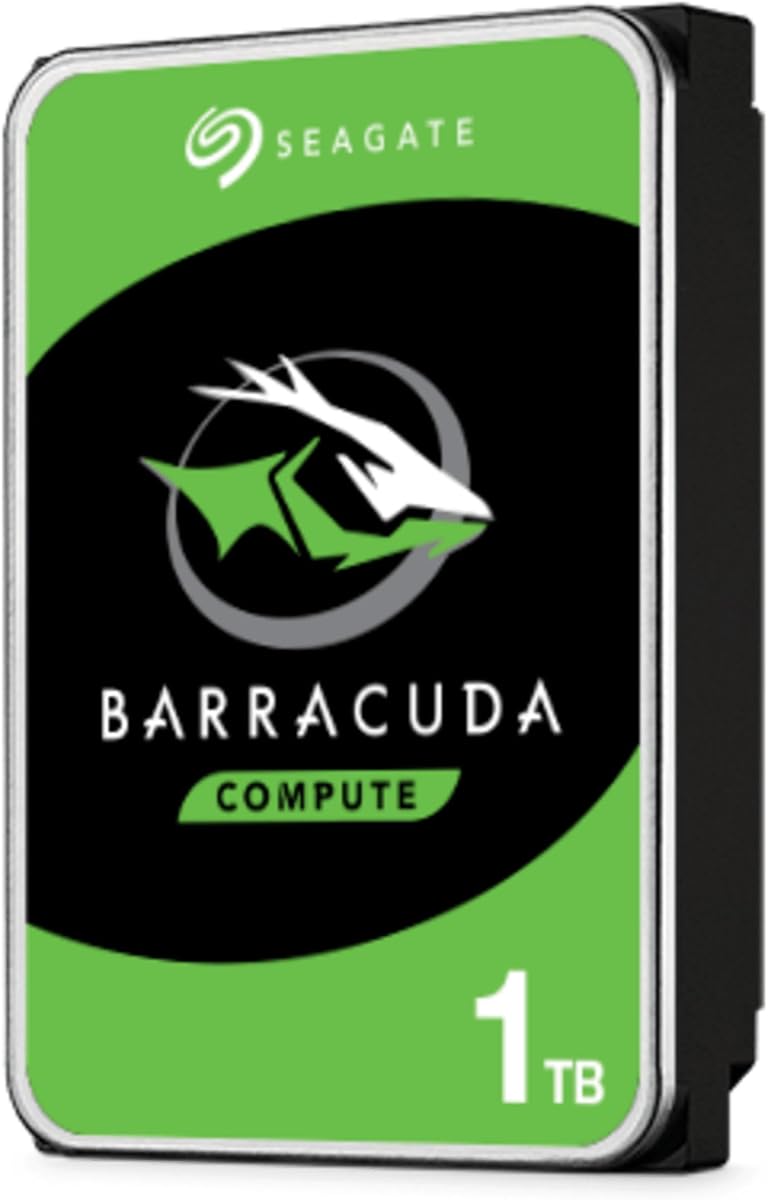


The Seagate BarraCuda 1TB is a top choice for standard desktop systems. It carries a high rating of 4.6 stars from users who value its consistency. This drive provides the fast access times needed for modern applications without breaking the bank.
We may earn a commission when you buy through this link, at no additional cost to you.
Its standout quality is the proven reliability backed by two decades of innovation. The 64MB cache helps smooth out data transfers during heavy workloads. You can build a gaming computer or workstation with confidence knowing this drive supports diverse applications from photo editing to PC gaming.
While it is excellent for general use it lacks some advanced enterprise features found in higher end models. The packaging is designed to reduce frustration but the drive itself is a bare component. These trade-offs are acceptable for users seeking a straightforward upgrade for their PC.
Buy this if you need a dependable drive for daily tasks or light creative work. It fits most desktop cases and interfaces easily with standard SATA controllers. For those looking to expand storage capacity quickly this is a highly recommended option.
The optimized read/write caching technology helps load games faster and reduces stuttering during intense sessions.
Backed by 20 years of innovation this drive is built to handle daily computing tasks without failure.
We may earn a commission when you buy through this link, at no additional cost to you.
This Pro model offers superior features for those who need extra peace of mind. It holds a 4.6 rating and includes a five year limited warranty. The 128MB cache is significantly larger than standard models which helps with heavy file transfers.
We may earn a commission when you buy through this link, at no additional cost to you.
Key strengths include the included two year Rescue Data Recovery Services. This is rare in consumer drives and adds significant value. It is designed for tackling large projects or building powerful gaming computers that require reliable storage solutions.
The main trade-off is the cost and the smaller 2.5 inch form factor which may limit compatibility with some desktop mounts. However the performance benefits and warranty coverage make it worth the investment. Users should weigh the premium price against the data recovery benefits.
Ideal for professionals or enthusiasts who store critical data on their machines. It fits into laptop bays as well as desktops with adapters. If data safety and speed are your priorities this drive stands out from the crowd.
Enjoy long-term peace of mind with the included five-year limited warranty and two-year Rescue Data Recovery Services.
Jump into PC gaming or edit music video and photos effortlessly with optimized read/write caching technology.
We may earn a commission when you buy through this link, at no additional cost to you.
The WD Black is engineered specifically for high performance needs like gaming and content creation. It maintains a solid 4.4 rating among system builders and creative professionals. The 2TB capacity provides ample space for large libraries of media and games.
We may earn a commission when you buy through this link, at no additional cost to you.
Features like StableTrac and Dynamic Cache Technology increase reliability and optimize performance under load. This design choice ensures consistent speeds even when multiple applications are running. An industry leading five year limited warranty further supports long term usage plans.
While the price is higher than standard drives the performance benefits justify the cost for power users. It is not the most cost effective per gigabyte but offers better speed and durability. These factors are acceptable for those who prioritize speed over raw storage price.
Buy this if you are building a powerhouse gaming computer or editing 4K video. It handles demanding workloads well and fits standard desktop enclosures. For performance oriented users this is a top tier storage solution.
Designed for gamers system builders and creative professionals who need desktop performance hard drives.
Western Digital's StableTrac and Dynamic Cache Technology increase reliability and optimize performance.
We may earn a commission when you buy through this link, at no additional cost to you.
This model is recognized for its high reliability and performance rating of 4.9 stars. It matches the part number required for Dell servers and workstations which simplifies upgrades. The 2TB capacity offers a good balance for workstation needs.
We may earn a commission when you buy through this link, at no additional cost to you.
It features a standard SATA 6 Gb/s interface which ensures broad compatibility. The 7.2K RPM speed delivers consistent performance for file servers and storage systems. Users appreciate the straightforward design that focuses on core functionality without unnecessary extras.
The main limitation is the lack of extended warranty or recovery services compared to Pro models. It is a bare drive intended for direct installation without extra tools. These constraints are acceptable for technical users managing their own hardware environments.
Select this if you need a direct replacement for Dell equipment or a reliable server drive. It fits into 3.5 inch bays and works with standard controllers. For enterprise use where cost efficiency matters this is a strong candidate.
Model: ST2000DM001 DP/N: NYR3N ensures direct compatibility with specific Dell server chassis.
2 TB storage capacity with 6 Gb/s SATA interface provides fast data transfer rates for workstations.
We may earn a commission when you buy through this link, at no additional cost to you.
This drive is designed for datacenter environments but works well for home NAS builds. It earns a 4.4 rating and offers cost effective per gigabyte storage. The StableTrac and RAFF features enhance vibration tolerance in multi drive setups.
We may earn a commission when you buy through this link, at no additional cost to you.
It undergoes extensive functional testing to ensure reliability under actual workloads. This rigorous testing process means it can handle continuous 24×7 operation. You get a maximum capacity of 2TB which holds up to 240 hours of HD video.
The package includes the drive only so you must purchase cables separately. This bare configuration reduces costs for bulk purchases but requires extra planning. For users building a server the performance benefits outweigh the missing accessories.
Buy this for RAID storage or centralized surveillance where reliability is key. It keeps your total cost of ownership low while delivering consistent speeds. For home servers this is a very practical choice.
StableTrac and RAFF for enhanced vibration tolerance results in significant performance improvement.
2TB capacity holds up to 400,000 digital photos and 500,000 MP3 files.
We may earn a commission when you buy through this link, at no additional cost to you.
The XT series focuses on delivering extreme storage and top end desktop performance. It has a 4.4 rating and features a massive 2TB drive capacity. This is plenty of room for downloading today's space hungry PC games and movies.
We may earn a commission when you buy through this link, at no additional cost to you.
The 64 MB cache optimizes burst performance and reduces data throughput bottlenecks effectively. It uses the SATA 6gb/s interface which enables the use of the industry's newest controllers. This ensures the drive remains relevant even as motherboard standards evolve.
It ships in certified frustration free packaging which simplifies installation for beginners. However the warranty is standard compared to Pro or Enterprise models. For users building multiple systems the value proposition is strong given the capacity.
This is a good choice for media centers or game libraries on a budget. The interface compatibility ensures it works with most modern PCs. If you need space for large files this drive delivers.
SATA 6gb/s interface enables the use of the industrys newest and fastest hadr drive controllers.
7200RPM performance platform complements high capacity for extreme storage.
We may earn a commission when you buy through this link, at no additional cost to you.
This BarraCuda model is a go-to SATA hard drive solution for nearly every PC application. It holds a 4.6 rating and is built for music video and photo editing. You can confidently rely on the internal hard drive technology backed by years of innovation.
We may earn a commission when you buy through this link, at no additional cost to you.
It allows you to build a powerhouse gaming computer or desktop setup with variety. The 64MB cache ensures smooth performance during daily tasks. With a two year limited warranty you get long term peace of mind for your investment.
The drive does not include specialized data recovery services found in higher tiers. This makes it less suitable for critical data without a backup plan. However the performance for general computing is excellent and reliable.
Ideal for budget conscious users needing reliable storage for games or media. It fits standard desktop cases and connects via SATA easily. For most users this drive strikes the right balance between price and performance.
The go-to SATA hard drive solution for nearly every PC application from music to photo editing.
Confidently rely on internal hard drive technology backed by 20 years of innovation.
We may earn a commission when you buy through this link, at no additional cost to you.
This 500GB drive is an excellent budget option for basic storage needs. It features IntelliSeek which calculates optimum seek speeds to lower power consumption. The 16MB cache is standard for this class but sufficient for lightweight use.
We may earn a commission when you buy through this link, at no additional cost to you.
Data LifeGuard technology monitors your drive continuously to keep it in optimum health. NoTouch Ramp Load Technology safely positions the recording head off the disk surface. This protects your data and reduces mechanical wear over time.
The trade-off is the smaller capacity which may not suit large media libraries. It is best for OS drives or basic file storage. However for the price it offers great reliability and essential protection features.
Buy this if you need a cost effective boot drive or small archive. It is designed for desktop use with standard connectors. For entry level builds this drive provides essential performance.
IntelliSeek calculates optimum seek speeds to lower power consumption noise and vibration.
Data LifeGuard uses advanced algorithms to monitor your drive continuously.
We may earn a commission when you buy through this link, at no additional cost to you.
This model stands out for its high cache size and included software tools. It holds a 4.7 rating and allows you to migrate and clone data from old drives with ease. The free Seagate DiscWizard software tool simplifies the transition process.
We may earn a commission when you buy through this link, at no additional cost to you.
With 256MB cache you get better burst performance than lower cache models. It is a go-to solution for music video and photo editing applications. The frustration free packaging ensures you can install it without dealing with complex materials.
The main consideration is the physical size as it requires a standard 3.5 inch bay. While great for desktops it does not fit laptops directly. For users needing to upgrade from an older drive this is ideal.
Choose this if you want a large cache and easy migration tools. It is perfect for building a powerhouse gaming computer with ample storage. The software utility adds significant value over bare drives.
Migrate and clone data from old drives with ease using our free Seagate DiscWizard software tool.
256MB Cache helps optimize performance for demanding desktop applications.
We may earn a commission when you buy through this link, at no additional cost to you.
This enterprise capacity drive offers massive 6TB storage for centralized storage needs. It features PowerChoice technology and hot plug support for flexible maintenance. The sustained transfer rate is high making it good for surveillance and backup.
We may earn a commission when you buy through this link, at no additional cost to you.
It is ideal for RAID storage and centralized surveillance systems that need large space. The multisegmented cache helps manage complex data loads effectively. You get a two year warranty which is standard for renewed enterprise gear.
The renewed status means it was previously used and refurbished. While tested and reliable it may not match the lifespan of brand new units. For budget conscious server builds this is a great way to get high capacity.
Buy this if you need massive storage for data centers or large backups. It fits standard server trays and supports hot swap. For high volume storage needs this drive delivers substantial value.
Ideal for RAID storage centralized surveillance backup and restore applications.
Features include PowerChoice technology for efficient energy usage during low activity.
We may earn a commission when you buy through this link, at no additional cost to you.
Choosing a 7200 Rpm HDD Hard Drive requires balancing speed and capacity. Here are the factors you should consider to make the right choice.
Cache size determines how much data the drive can buffer during transfers. Larger caches like 256MB help with heavy workloads and gaming. Smaller caches may slow down when handling large files repeatedly.
Look for at least 64MB cache for desktop use. Higher capacity drives often benefit more from extra cache memory.
Desktop PCs typically use 3.5 inch drives while laptops need 2.5 inch models. Ensure your case supports the physical size of the drive. Mismatched sizes can prevent installation entirely.
Measure your drive bays before purchasing. Most desktops fit 3.5 inch drives but check your motherboard specs.
Warranty terms range from two to five years depending on the model. Enterprise drives often have longer coverage for reliability. Standard consumer drives usually offer shorter terms.
Select a drive with a warranty that matches your usage expectations. Longer warranties indicate manufacturer confidence.
SATA 6 Gb/s is the standard interface for modern drives. It ensures your drive can transfer data quickly to your motherboard. Older SATA 3 Gb/s ports may limit performance.
Check your motherboard ports to ensure they support SATA 6 Gb/s. This maximizes the speed of your new drive.
Drives in multi drive enclosures experience more vibration. Models with RAFF or similar tech handle this better. High vibration can reduce drive lifespan over time.
Use enterprise or server drives for multi bay systems. They are built to withstand constant movement.
Consider how much data you need to store now and in the future. 1TB fits standard use while 6TB is for media servers. Do not buy more than you can use.
Balance capacity with cost to find the right fit. More capacity usually means higher price per unit.
Some drives are quieter than others during operation. Power efficient models save electricity in long runs. Look for IntelliSeek or similar power features.
Choose low power drives for home servers or offices. This reduces electricity costs and noise.
Some models include data recovery services as part of the purchase. This adds value if you store critical files. Check if rescue services are included with the drive.
Prioritize recovery features for professional workloads. It saves time if a drive fails unexpectedly.
Install the drive securely to minimize vibration during operation. Use mounting screws to prevent movement inside the case. Loose drives can suffer from mechanical damage over time.
Update your motherboard BIOS regularly for best performance. SATA controller updates often improve compatibility with newer drives. Keep your system drivers current to avoid bottlenecks.
Run regular health checks using built-in tools like Data LifeGuard. Monitoring allows you to catch early signs of failure. Always backup critical data to another location or cloud.
A 7200 Rpm HDD Hard Drive is a mechanical storage device that spins at 7200 revolutions per minute. This speed allows for faster data access compared to 5400 RPM drives. It is ideal for desktops and gaming systems.
Yes, 7200 RPM drives are generally good for gaming on a budget. They load games faster than slower drives and offer large capacity for libraries. SSDs are faster but these HDDs offer better value per gigabyte.
Use manufacturer tools like Seagate Tools or WD Dashboard. These programs run S.M.A.R.T. tests to detect issues. They show temperature and error rates to alert you early.
Most laptops require 2.5 inch drives. Some desktop models are 3.5 inch and will not fit. Check the physical dimensions before installing. Use 2.5 inch drives if available.
Yes, new drives usually need formatting before use. Use your operating system to initialize the disk. This creates a file system so your computer can read data.
Warranties range from two to five years depending on the model. Consumer drives often have two years while enterprise models have five. Check the specific listing for details.
We covered ten top options for 7200 Rpm HDD Hard Drive users. The Seagate BarraCuda and WD Black models offer solid performance for most tasks. Choose the capacity that fits your needs.
Prioritize warranty and cache size when comparing models. A good warranty protects your investment while cache improves speed. These factors often matter more than minor price differences.
Remember that prices change frequently so check current listings before purchasing. Use our comparison table to see how specs match your requirements. The right drive will improve your system speed for years.